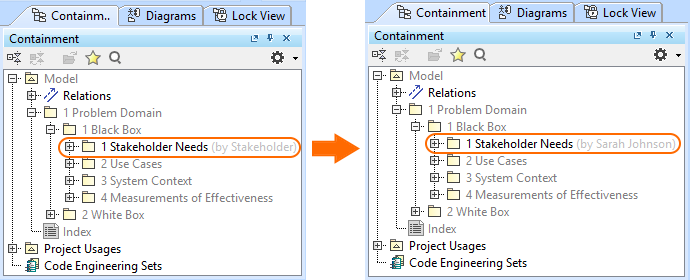
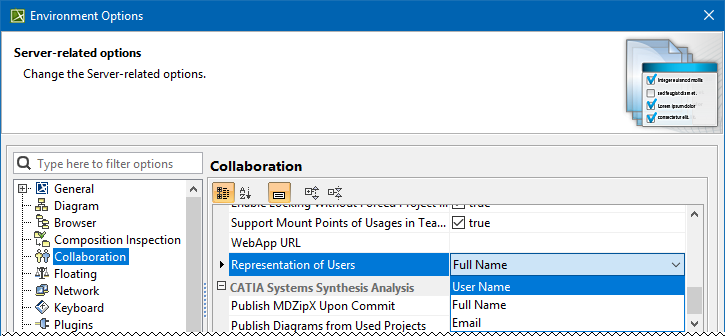
You can customize how users are represented when, for example, they lock model elements by changing the value of the Representation of Users environment option.
Changing the user representation in the Teamwork Cloud project.
A User Name is shown by default in the following cases:
the corresponding fields (e.g., Full name) are not filled in the Web Application Platform.
the List All Users permission is not assigned to the user.
To choose how to represent users
In the main menu, click Options > Environment.
In the panel on the left, select Collaboration.
Under General, click Representation of Users.
Select to represent users by displaying one of the following: