A team working on CATIA Magic may need to create numerous revisions and branches, making it crucial for users to select the correct project or data to work on. While many CATIA Magic users are familiar with the tree structures, they may not be aware of the advanced search features available on the 3DEXPERIENCE platform.
This Technical Practice emphasizes the importance of knowing the project's location. Clients are familiar with the CATIA Magic tree structure but not server storage of the 3DEXPERIENCE platform. Optimizing search helps to open the correct project with the right dependencies.
Systems Architect, Systems Engineer, Profile Administrator
6WTags
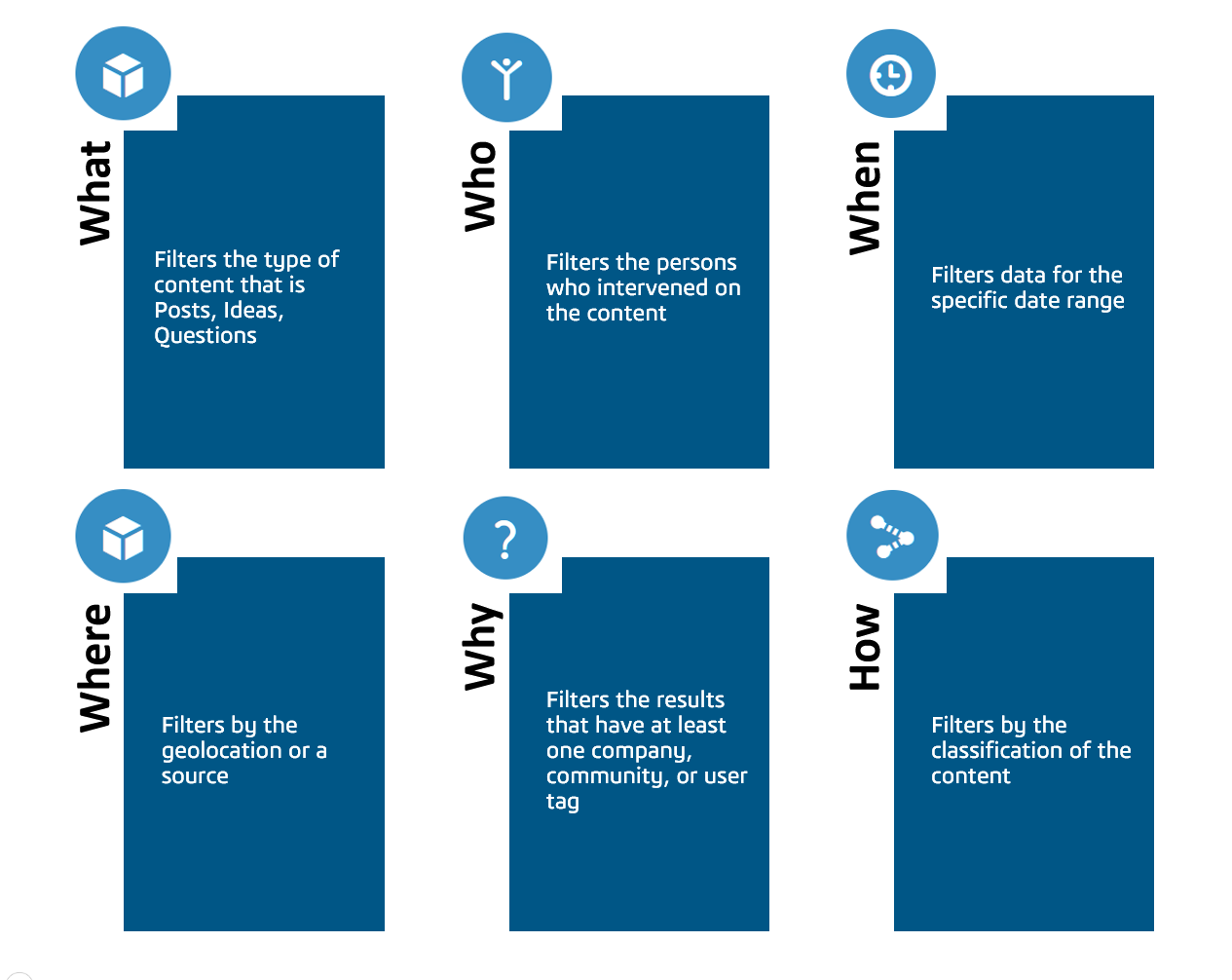
6WTags help filter the desired data in the 3DEXPERIENCE platform by organizing information into six key categories:
Scenario:
A system architect wants to open a CATIA Magic Project available on the 3DEXPERIENCE platform. He uses the keywords and 6WTags to navigate to the desired CATIA Magic Project.
Actors/Personas:
John System Architect: John, is searching for CATIA Magic data on the 3DEXPERIENCE platform.
Workflow:

3DSwymer (IFW-OC), Collaborative Industry Innovator (CSV-OC), Collaborative Designer for CATIA Magic (SSY-OC)
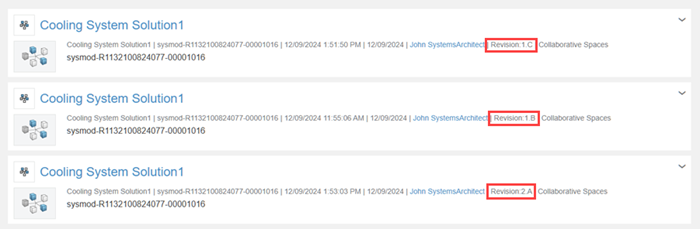
- For each W category, search results are grouped by subcategories. Click the arrow next to each W to focus the view on a specific subcategory.
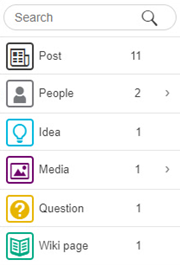
| For example, in the What tab, you can focus on a specific category of document. | |
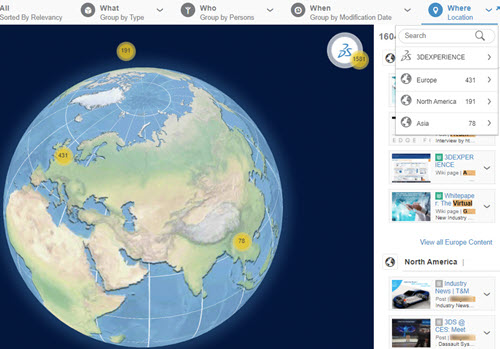
| In the Where tab, you can also focus the content specific to a continent or a country, by clicking the pinpoints on the Map view. | |
In the Who, When, and What tabs, when a category returns a large number of results, you can click View all Content to display a pagination and browse all the results from this category.