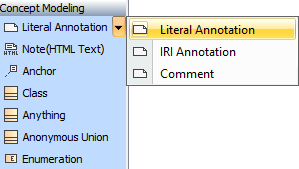
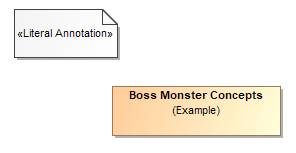
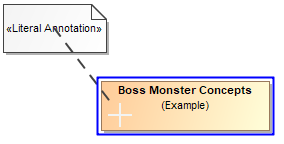
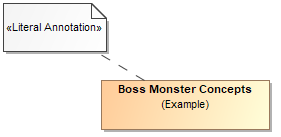
Magic Concept Modeler / Concept Modeler Usage Working with annotations Current: Creating annotations Creating annotations IRI Annotation Creating an IRI Annotation is done the same way as creating a Literal Annotation To create a Literal Annotation and anchoring it to a classIn the concept modeling project, click the Concept Modeling palette menu to expand it. Select Literal Annotation.Hold the mouse button to draw the Annotation. The Literal Annotation will be created.In the Concept Modeling palette menu, select Anchor.Hold the mouse button from the created Literal Annotation and draw the Anchor to any element, e.g., Class, to anchor it.The Literal Annotation will be anchored with the chosen element.Related pagesUsageWorking with annotationsDefining an annotation property ×