Locked Elements
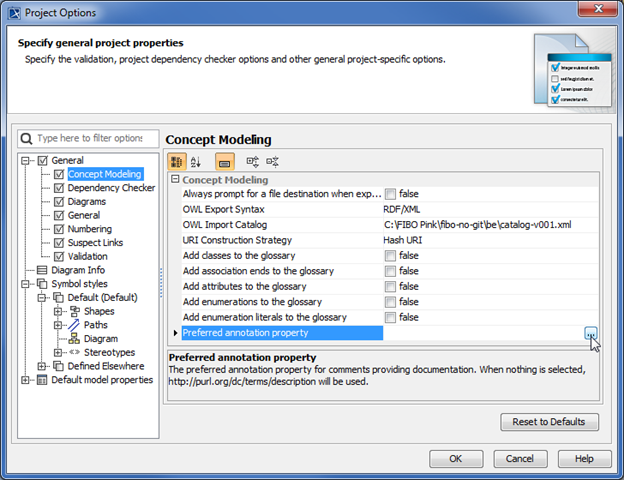
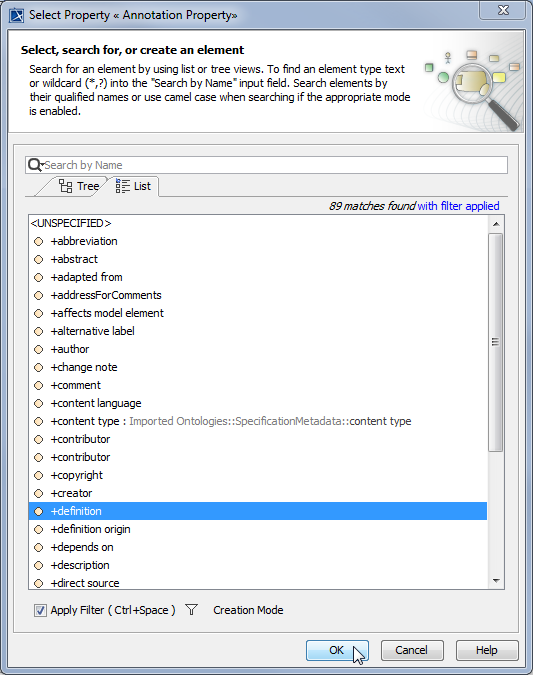
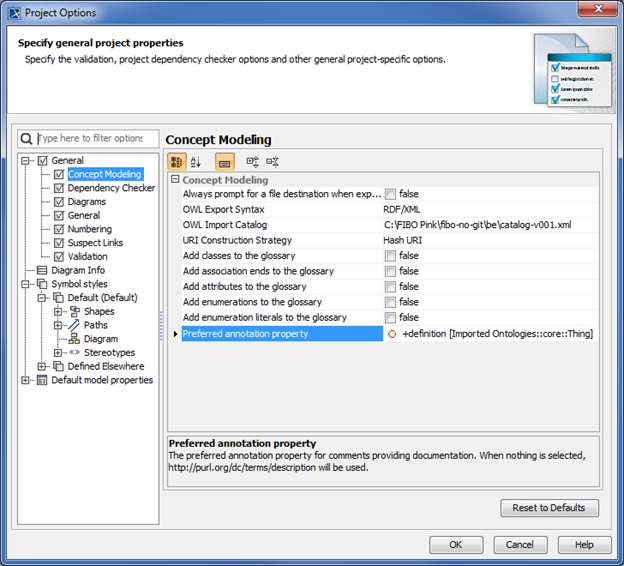
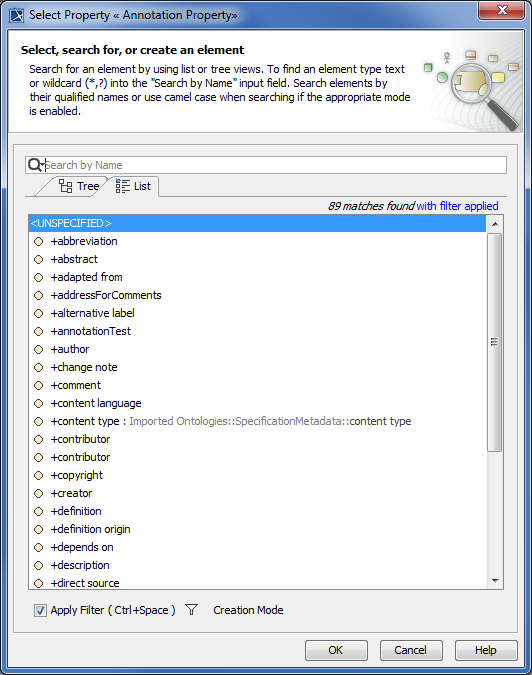
If your project is a Teamwork Cloud (TWC) project, Concept Modeler will attempt to lock the project’s elements.
- If any of the elements cannot be locked, whether it is locked by another user, then the dialog box with the OK button will say “Cannot lock all elements for edit to allow preferred annotations to be used as element documentation. You may refer to the Lock View tab to see what still needs to be locked.”
- Furthermore, an additional message will appear in the notification window saying “The preferred annotation property change has been reverted.”
After these two messages will appear, the preferred annotation property will revert back to its previous value.