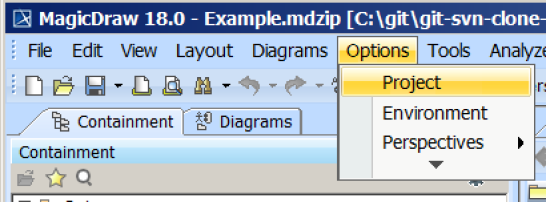
Magic Concept Modeler / Concept Modeler Usage Importing an OWL ontology to a concept model Current: Setting the OWL import catalog in MagicDraw Setting the OWL import catalog in MagicDraw The OWL import catalog must be set for a MagicDraw project if an XML catalog is used to import an ontology model.To set the OWL import catalog to the XML catalog file for the desired external ontologiesClick Options > Project.The Concept Modeler's Options menu.Select General > Concept Modeling.Click in the field next to OWL Import Catalog.Click the button.Select the XML catalog file.Click Open. Path Variables The Path variables dialog window may appear. If it does, click Use Selected. Click OK.Related pagesUsage ×