Reading mode allows you to review documents in a clean, read-only format, making it easier to concentrate on the content without interactive elements. When you enter the Reading mode:
- All graphical comments in diagrams are hidden.
- Textual comment highlights in tables or paragraphs are not shown.
- Edit / Comment / Simulate actions are hidden.
- The Comments icon in the toolbar is not visible.
To enable or disable Reading mode
- In the top right corner, select
 and click Reading mode.
 - To exit the Reading mode, click and select Collaborating mode to restore all hidden elements described.
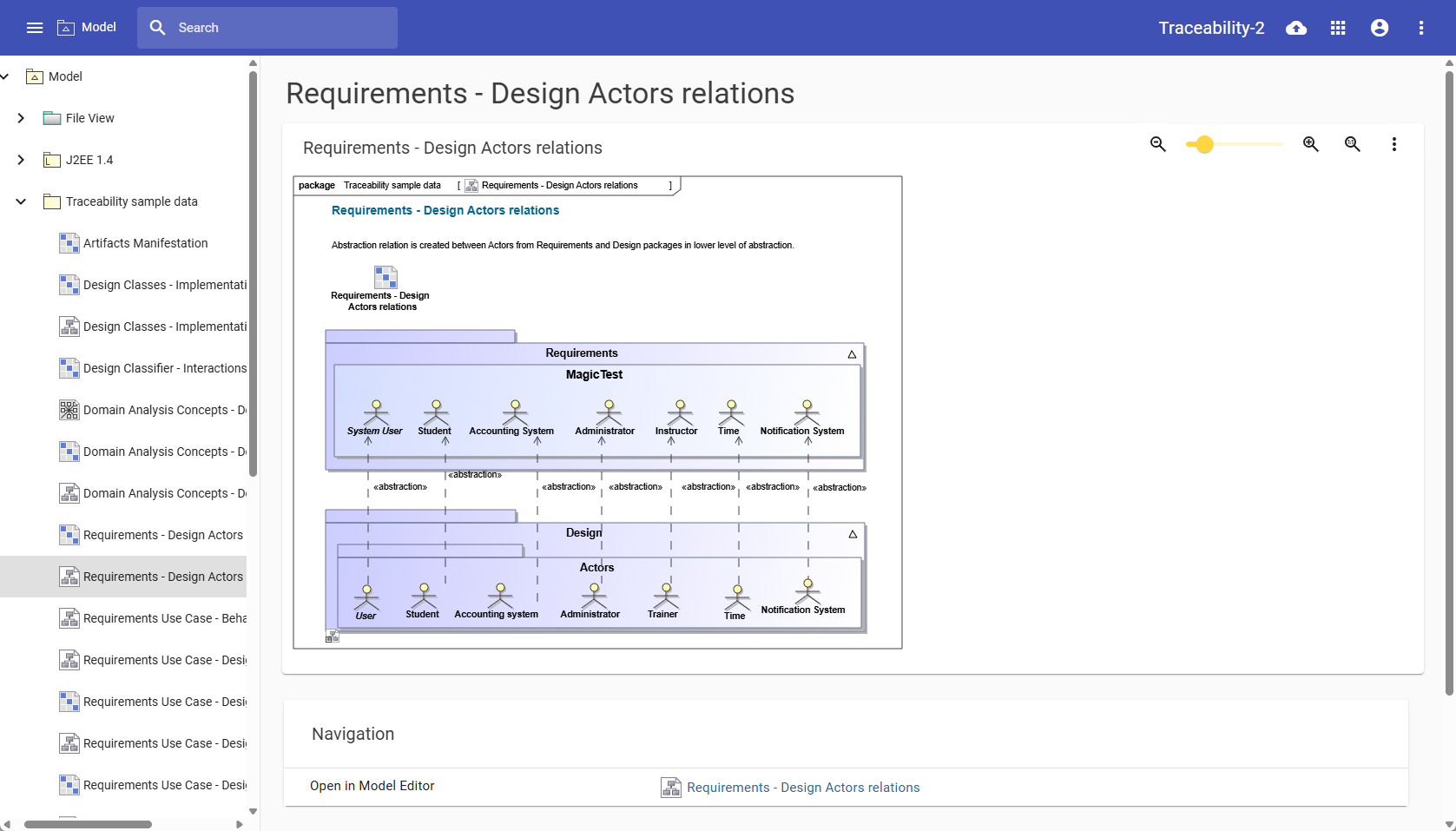
Cameo Collaborator with the Reading mode enabled.