Enable or disable user access
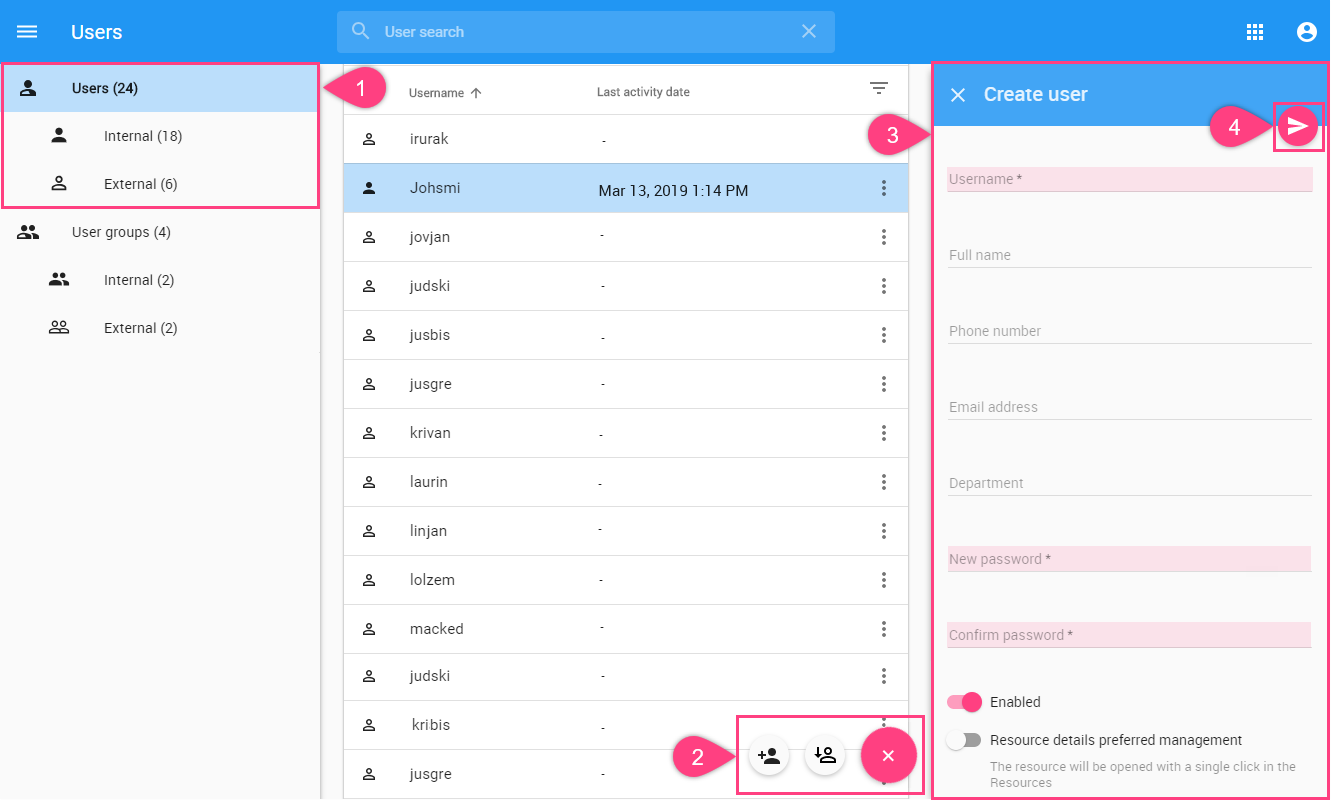
When creating a new user or editing user information, you may select to either enable or disable their access. If you want the user to access the Teamwork Cloud system and carry out the tasks assigned, select Enable (selected by default). If you clear the Enable, the user's status will be disabled and thus he or she cannot log into Teamwork Cloud Admin and Teamwork Cloud in the modeling tool.