Deleting property values
To delete the value of an editable property:
Click  on the bottom right corner of the content pane.
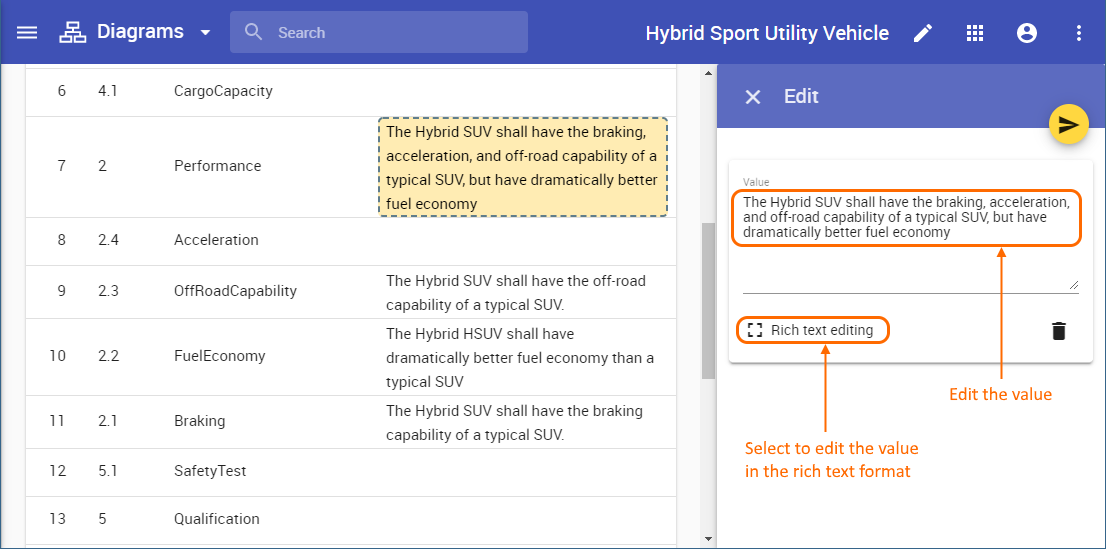
On the content pane, select the item you want to delete. Editable items are highlighted in yellow when hovering over them with a mouse pointer.
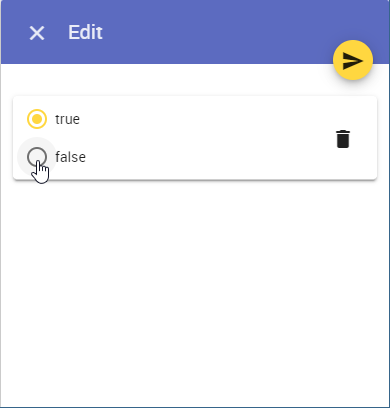
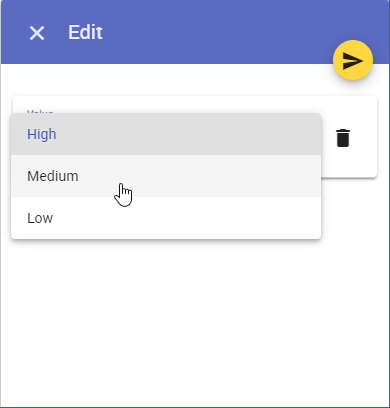
When the Edit pane opens, click next to the value you want to delete.
Click  to save the changes.