Depending on their clearance level, users will be able to view resources marked with the appropriate classification level.
To set a user’s clearance level
- Open the Users app.
- Click
 next to a user and from the menu select Set access level.
 - Choose the desired clearance level:
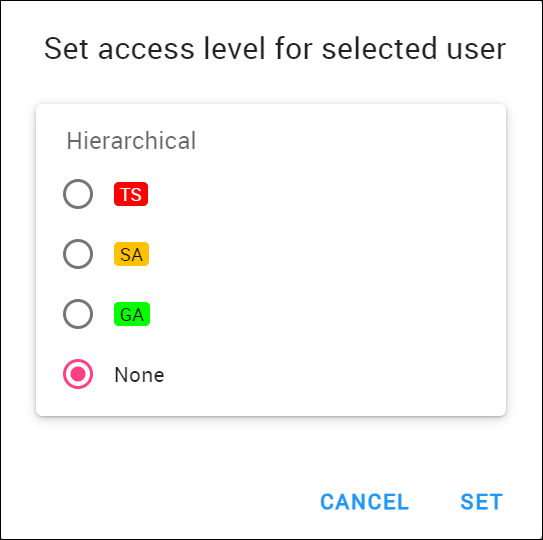
- Click the Set button to save your changes.