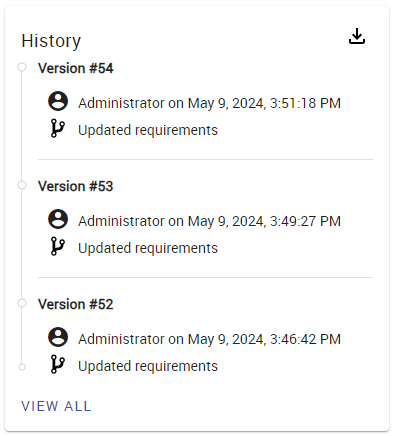
History allows you to track changes made to the project. The History card displays basic information, such as versions, contributors, and branches of each modification, while the visual representation of history provides a full-screen comprehensive view of the project's evolution over time.
To view resource history
- Go to the Resources application.
- Do one of the following:
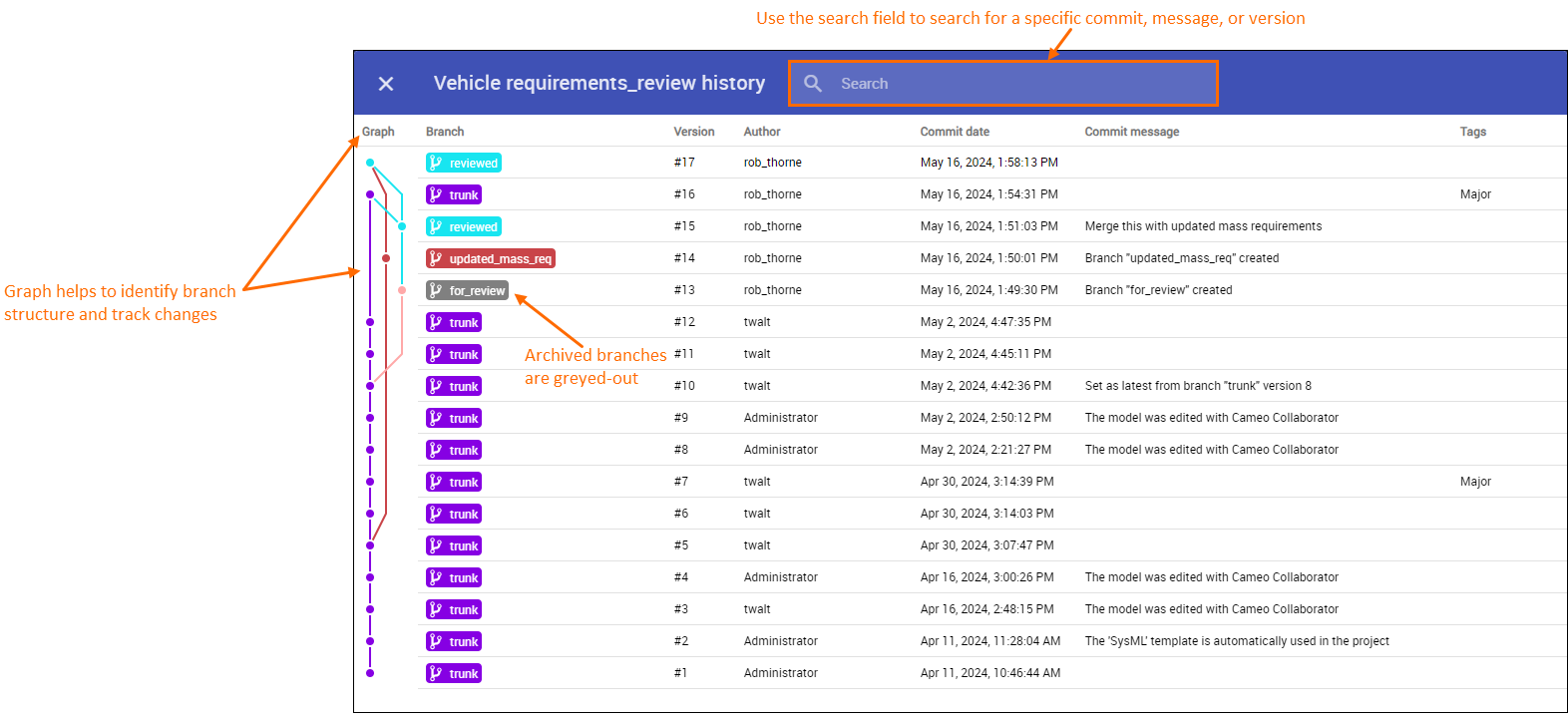
The full-screen history view.
In the full-screen history view, you can:
- View branch structure, merge and commit information, as well as archived branches that are greyed-out;
- Search for a specific commit, message, or version using the search field at the top.
- Create new branches.