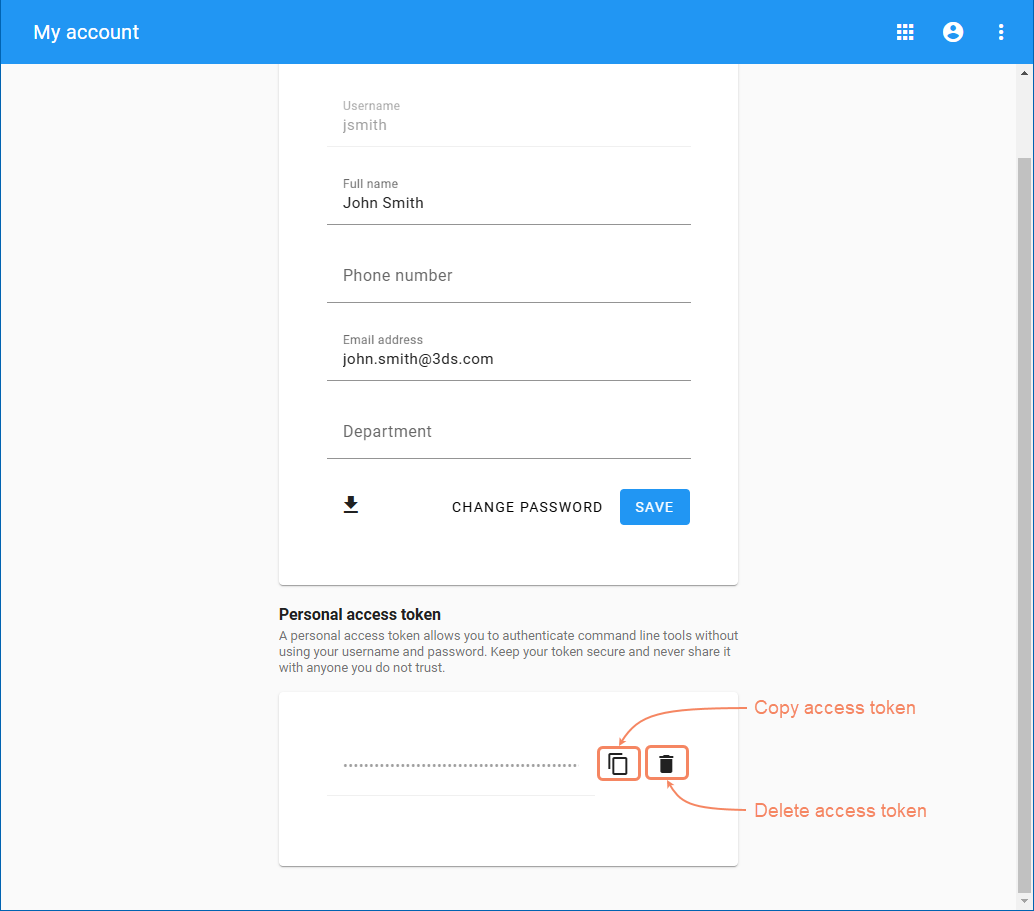
Server-Side Collaboration User Guide Admin web applications My account application Current: Generating a personal access token Generating a personal access token A personal access token allows you to authenticate command-line tools without using your username and password. Always keep your token secure and never share it with anyone you do not trust. To generate a personal access tokenOpen the My account application.In the Personal access token area, click the Generate Token button.Once the token is generated, click to copy it to your clipboard.You can use a personal access token in the Used Projects Auto Update Wizard with an SSO user.Generating a personal access token. To invalidate the personal access token, delete it by clicking . ×