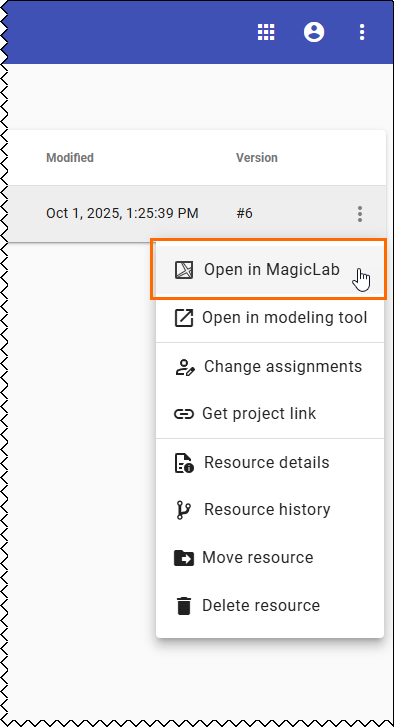
Click next to the resource you want to open and select Open in MagicLab.
To open the latest version of a branch:
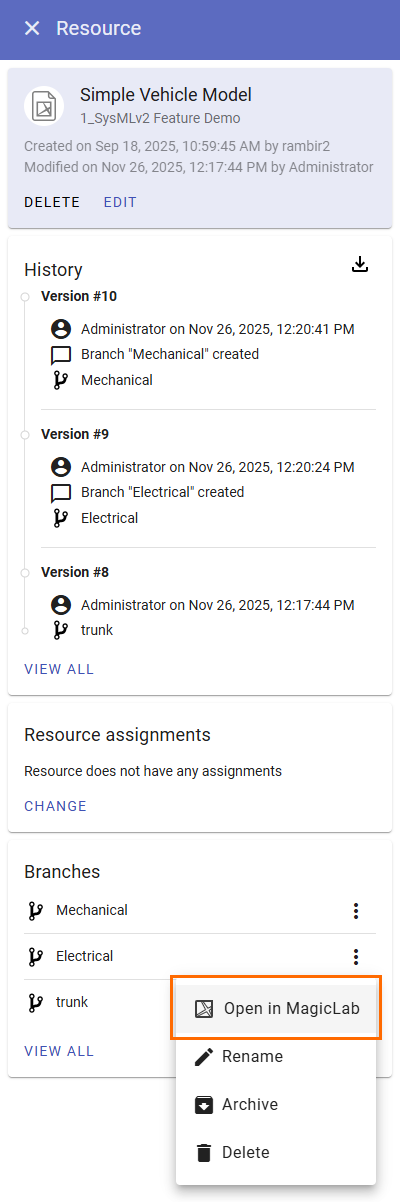
Open theResource details.
In the Branches card of the Resource details panel. click next to the branch you want to open and select Open in MagicLab.
To open a historical version:
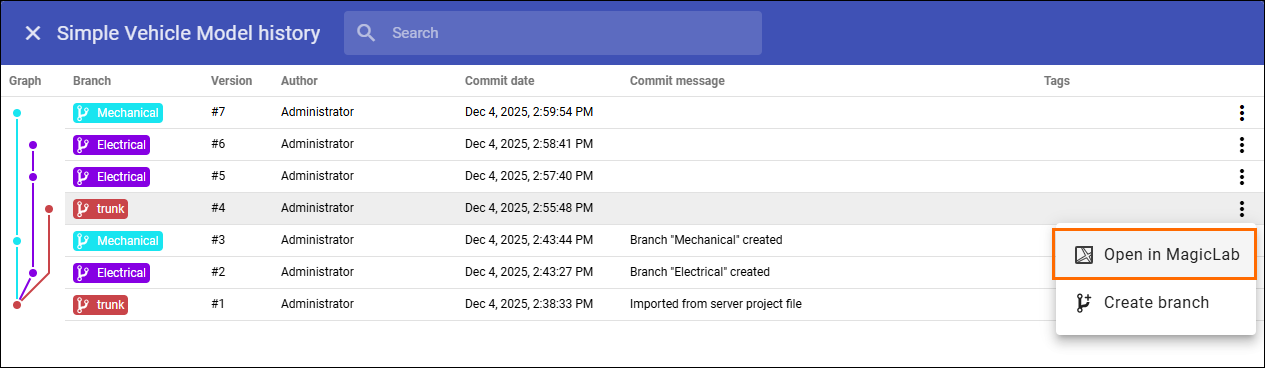
Click View all at the bottom of the History card.
Click next to the version you want to open and select Open in MagicLab.
If you cannot view a historical version in MagicLab because it was created with an older version of a modeling tool, you must first migrate the historical version using a modeling tool.