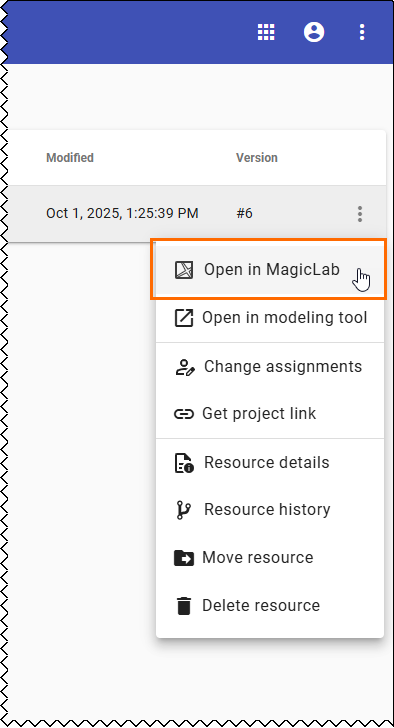
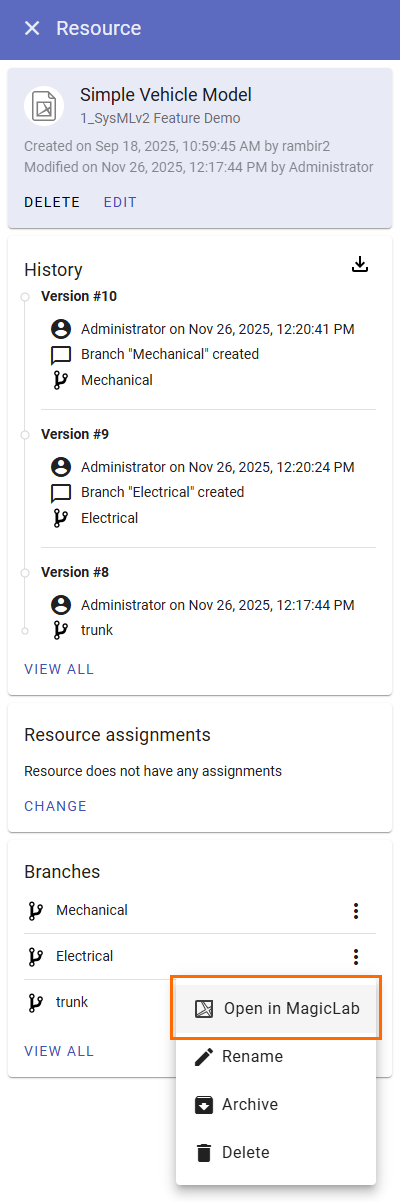
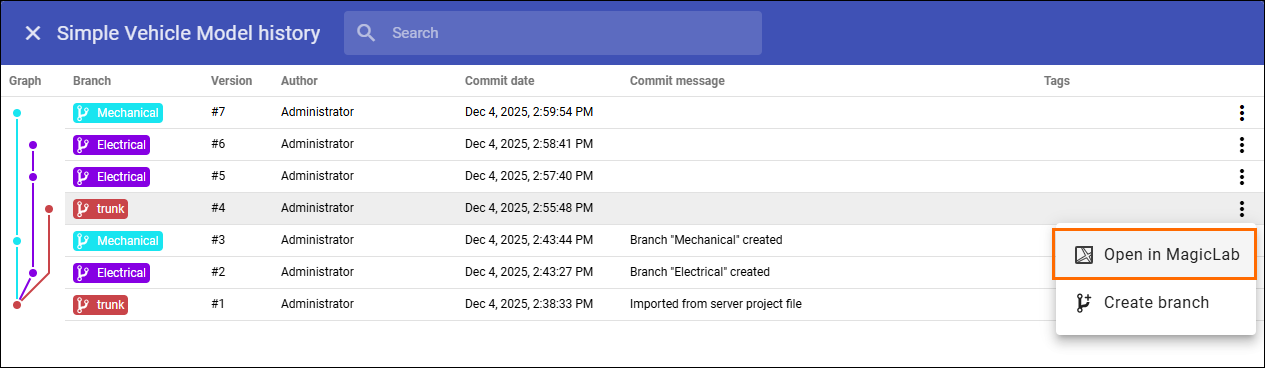
MagicLab 2026x Current: Opening SysML v2 resource in MagicLab Opening SysML v2 resource in MagicLab To open a SysML v2 resource in MagicLabGo to the Resources application.To open the latest version in the project trunk:If Resource details preferred management is disabled, click the resource you want to open directly.Click next to the resource you want to open and select Open in MagicLab.To open the latest version of a branch:Open the Resource details.In the Branches card of the Resource details panel. click next to the branch you want to open and select Open in MagicLab.To open a historical version:Click View all at the bottom of the History card.Click next to the version you want to open and select Open in MagicLab. ×