To open a SysML v2 resource in MagicLab Collaborator
Go to the Resources application.
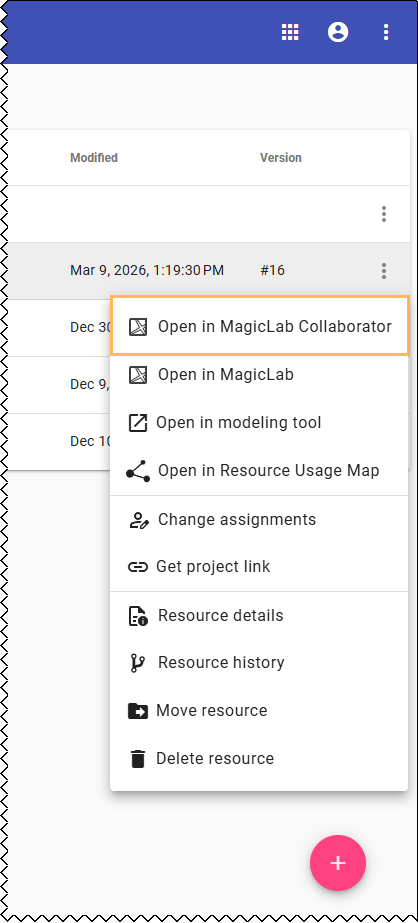
To open the latest version in the project trunk:
Click next to the resource you want to open and select Open in MagicLab Collaborator.
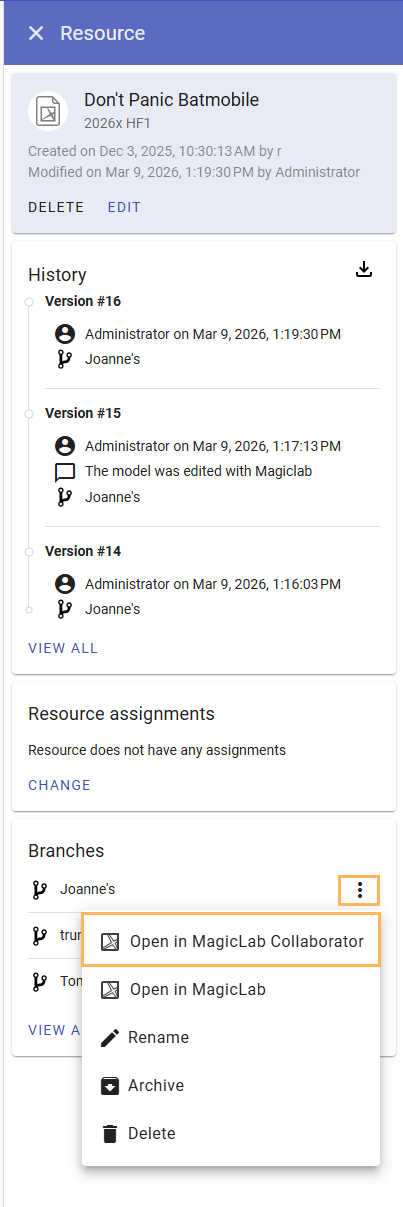
To open the latest version of a branch:
Open theResource details.
In the Branches card of the Resource details panel. click next to the branch you want to open and select Open in MagicLab Collaborator.
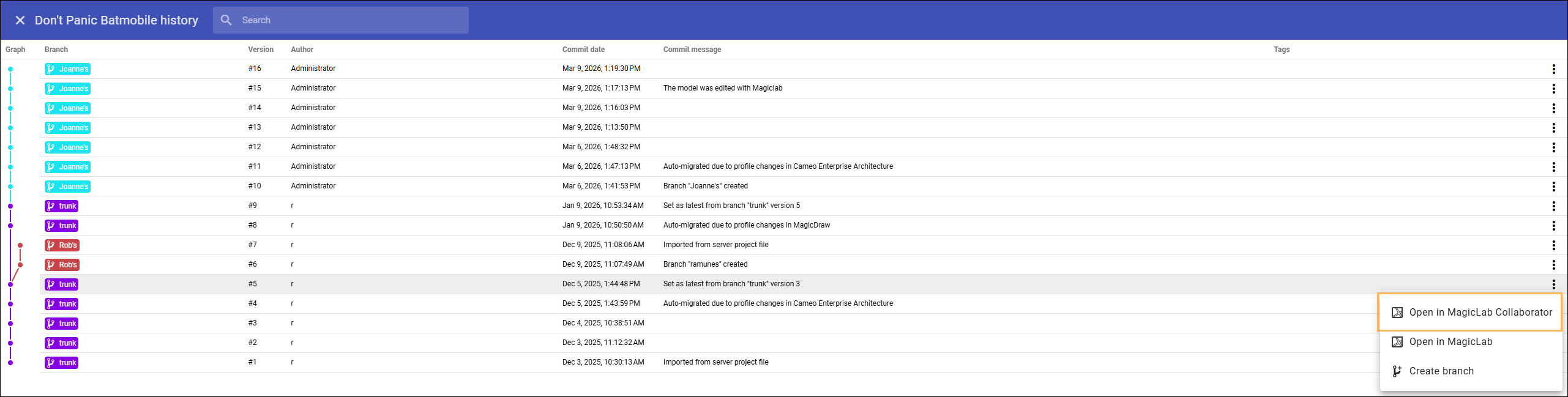
To open a historical version:
Click View all at the bottom of the History card.
Click next to the version you want to open and select Open in MagicLab Collaborator.
If you cannot view a historical version in MagicLab Collaborator because it was created with an older version of a modeling tool, you must first migrate the historical version using a modeling tool.