You can save both local and server projects to a previous major version, for example, from version 2026x to 2024x.
To save a project to an earlier version
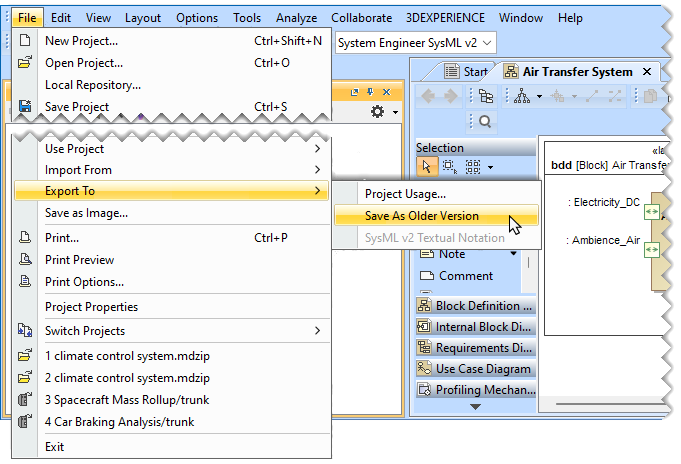
- In the main menu, select File > Export To > Older Version.
- In the open dialog, select the location where you want to save the project.
- Click the Save button.
The project is saved in a new folder created in your selected location.
