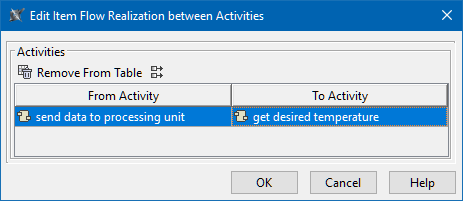
Modeling Tools SysML v1 modeling Item Flow management Current: Edit Item Flow Realization Between Activities dialog Edit Item Flow Realization Between Activities dialog The Edit Item Flow Realization Between Activities dialog allows you to review Activities for a selected Item Flow.To open the Edit Item Flow Realization Between Activities dialogIn the Specification window of the Item Flow, select From Activity or To Activity property value cell and click.In the Item Flow Manager dialog, select the From Activity or To Activity cell and click.The buttons of the dialog are described in the following table.ButtonDescriptionRemove From TableClick to delete the selected Activity pair.Show Full PathsToggle either to show or hide the full element paths.To remove the realization between listed Activity pairs Select an Activity pair.Click the Remove From Table button. ×