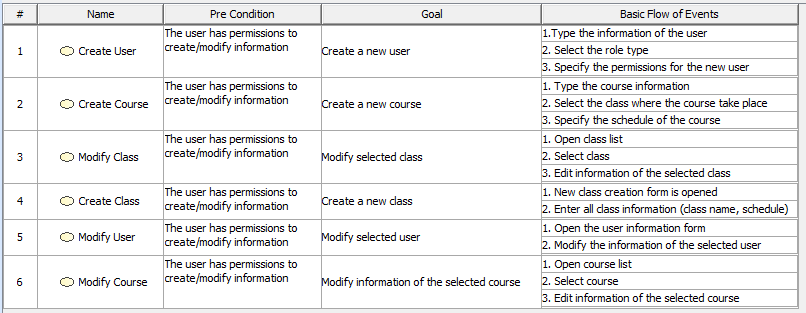
The Generic Table project sample allows you to read about the Generic Table feature and analyze examples within that project sample.
To open the sample, do either:
- On the Welcome screen, select Samples > Diagrams > Generic table.
- Go to <the modeling tool installation directory>\samples\diagrams and open the generic table.mdzip file.
All the examples given in this section are based on the data from this sample.