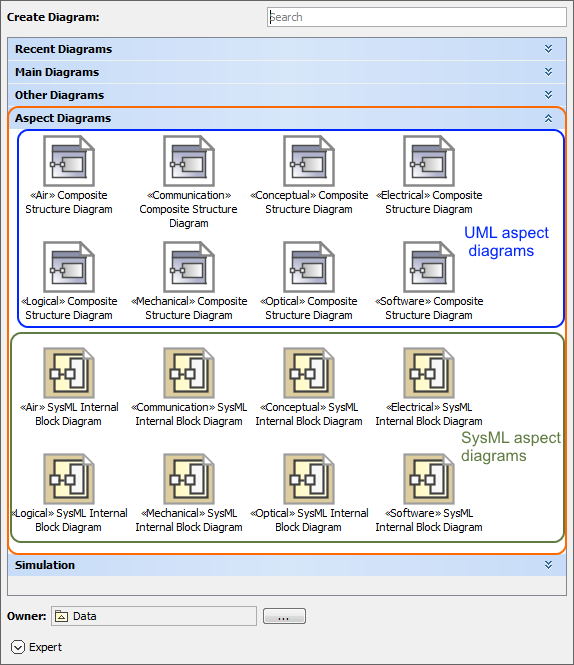
Creating a new aspect diagram is similar to creating any other diagram. Every way to create a diagram is described here: Creating diagrams. The difference is that aspect Composite Structure diagrams are automatically collected under the separate Aspect Diagrams group of the Creating diagrams. If you have SysML v1 plugin installed, the Internal Block diagrams with custom and predefined aspects are collected under the same Aspect Diagrams group.
The Aspect Diagram group, highlighted in orange, with predefined and custom UML and SysML aspect diagrams. The illustration displays concepts from SysML Plugin.
Sample model
The model used in the figures of this page is Diagram aspects. To open this sample: