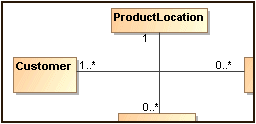
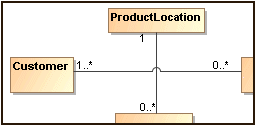
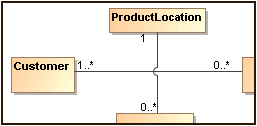
Line jumps represent an intersection of lines. If you have a large diagram with lots of intersecting paths, line jumps make the diagram easier to understand. The line jumps are not displayed by default.
To add line jumps
Right-click the diagram pane and select Diagram Properties.
In the Diagram Properties dialog, select the Add Line Jumps To property value from the drop-down list:
None - specifies that the diagram use no line jumps (default value).
Horizontal Line - specifies that line jumps appear only on a horizontal line.
Vertical Line- specifies that line jumps appear only on a vertical line.
The line jump changes are applied for the current diagram only. To change line jumps for the whole project, see (2026x) Formatting symbols.