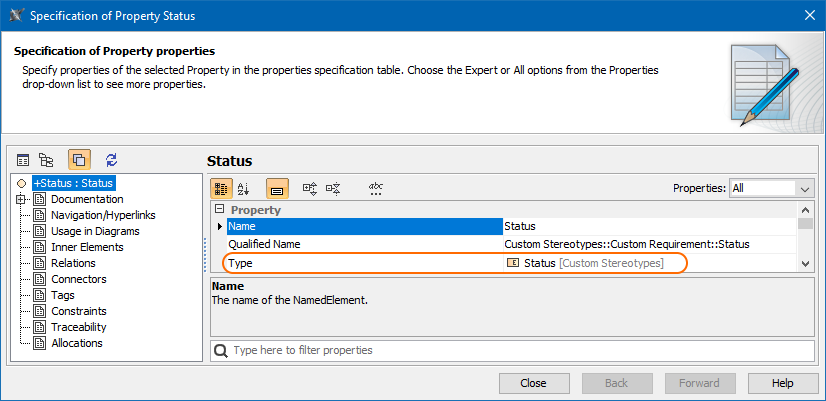
Modeling Tools General modeling features Working with model elements Selecting elements Current: Hide Uncommon Elements filter Hide Uncommon Elements filter You can enable the Hide Uncommon Elements filter in the Select Type dialog to leave out uncommon element types and thus find the ones you need easier. Hide Uncommon Elements filter in the Select Type dialogOnce Hide Uncommon Elements is enabled, the filter returns only those elements whose types are based on:Class (except Metaclass and Term)ComponentSignalInterfaceDataTypeEnumerationPrimitiveTypeAssociationClassSpecified property type If the SysML profile is loaded, only elements of Block and ValueType types are listed in the Select Type dialog. If the Stereotype tag types are being specified, metaclasses are not filtered out. Metaclasses in the Select Type dialogRelated Pages:Selecting port and part types ×