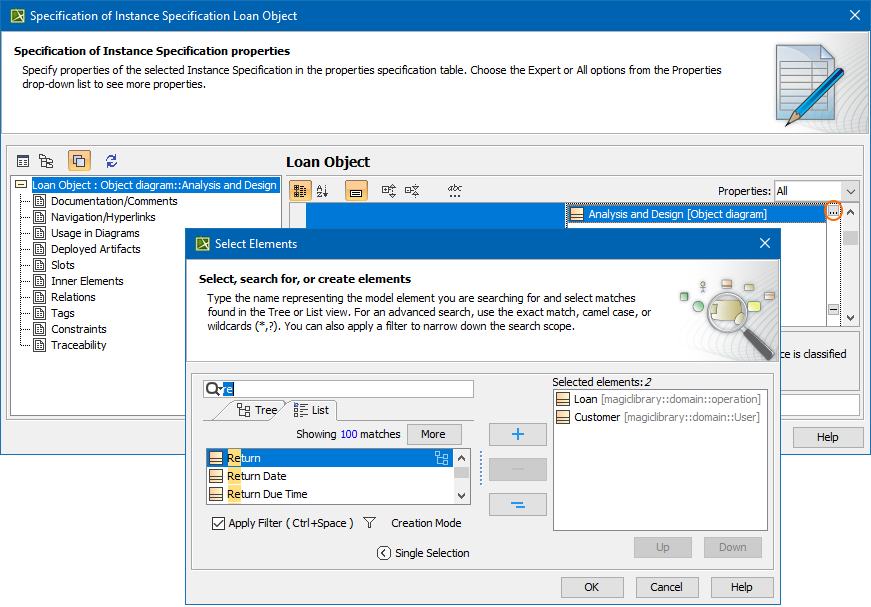
In this case you can assign more than one value to a property in the Select Element dialog. Examples of properties that may have multiple values: Classifier, Method.
To assign multiple property values
Click an appropriate property value cell.
Click the Edit button (see the highlighted button in the following figure). The Select Elementdialog opens.
Select existing and / or create elements.
Click OK when you are done.
Make sure the Multiple Selection mode is turned on.