On the diagram pane, right-click the Version Of Configuration and select Resource. The Resource Assignment Wizard opens.
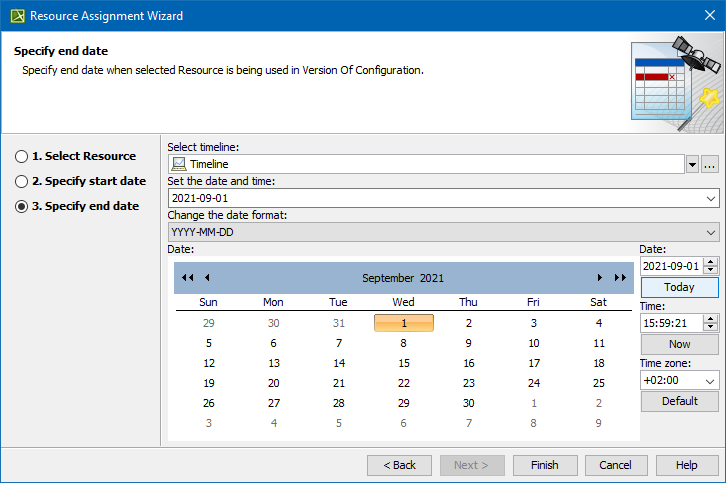
The wizard consists of three steps:
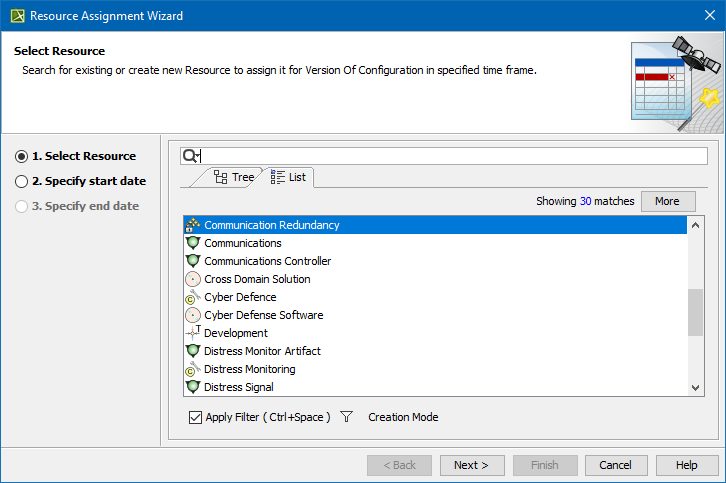
Resource selection
In this step, you can select the existing or create new resource/Actual Resource that will be assigned for Version Of Configuration.
If you select or create new resource, the corresponding Actual Resource will be created automatically.
To create a resource for the Version Of Configuration
In the Select Resource dialog switch on the Creation Mode.
Select package where you want to create a resource.
Click the Create button, choose a resource category Security, Resources, or Business, and select the desired resource.
In the Specification window of the newly created resource, type its name.
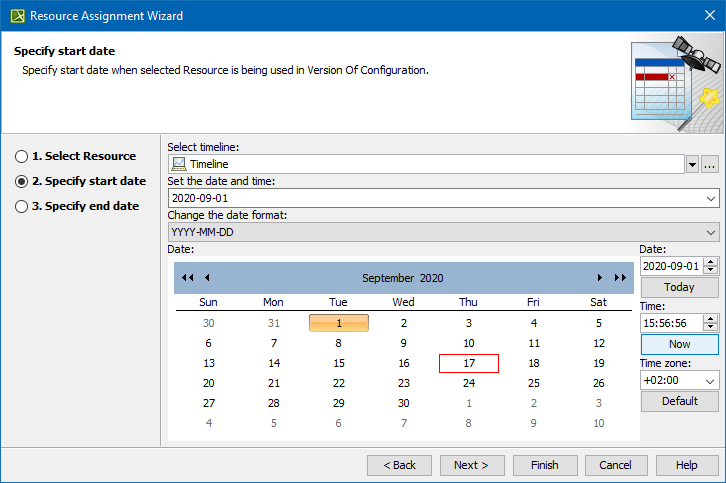
Start date specification
In this step, you can set the start date (or select the date from the Timeline) when selected Actual Resource is being used in Version Of Configuration.
The Actual Project Milestone with Kind InService is created. Resource is assigned to the Actual Project Milestone.