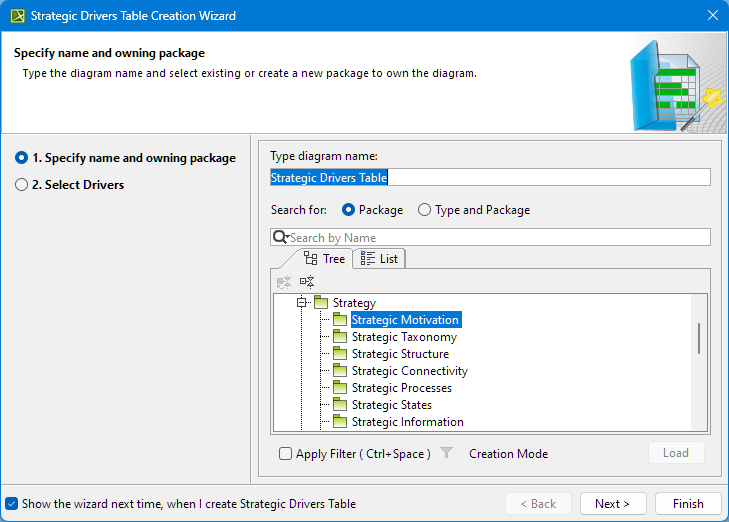
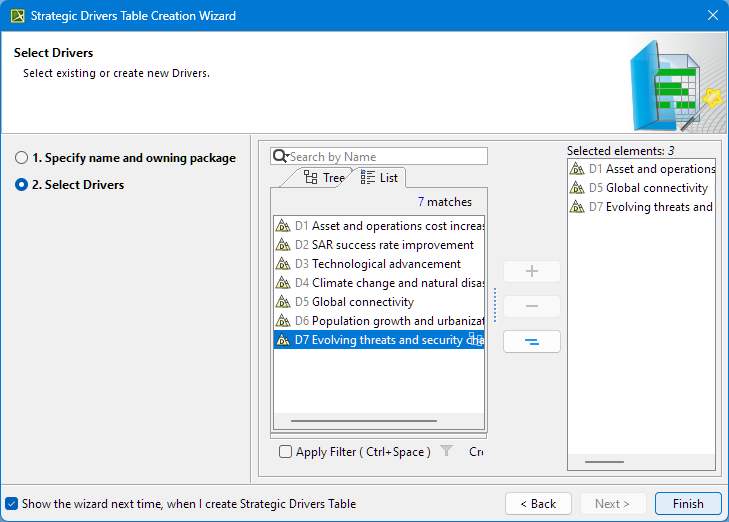
If you do not wish to use this wizard next time, clear the Show the wizard next time, when I create Strategic Drivers Table check box.
To restore the usage of the Strategic Drivers Table Creation Wizard
- Select Options > Environment.
- In the Environment Options dialog select the UAF options group.
- In the General properties, set the Show Strategic Drivers Creation Wizard property value to true.