You can save local projects to a previous major version, for example, from version 2026x to 2024x.
Limitations
You can save projects only to the immediately preceding major version. For example, saving from version 2026x to 2022x is not supported.
Saving to an earlier version is supported only for open projects. If your project uses other projects, you must save each used project to an earlier version separately and then reuse them.
The functionality does not directly support server projects. You must first save a server project locally, then save it to an earlier version, and finally add it back to the server.
The functionality does not work with some modeling tool plugins. For example, saving UAF and BPMN2 projects to an older version is not supported.
To save a project to an earlier version
- In the main menu, select File > Export To > Save As Older Version.
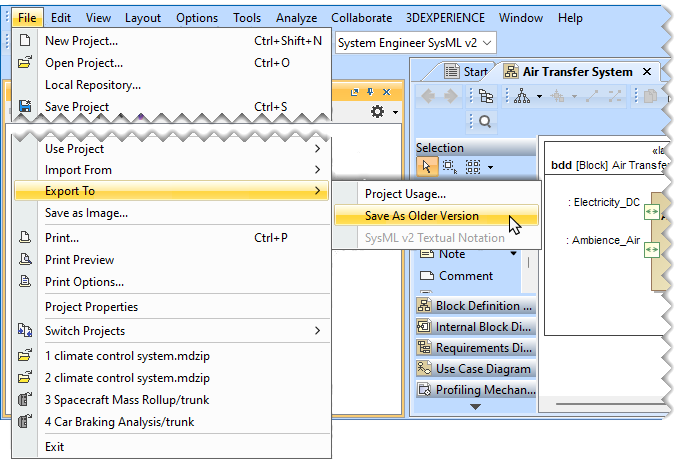
- In the open dialog, optionally change the file name.
- Click the Save button.
