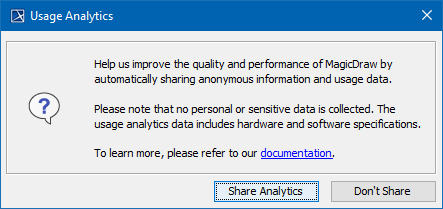
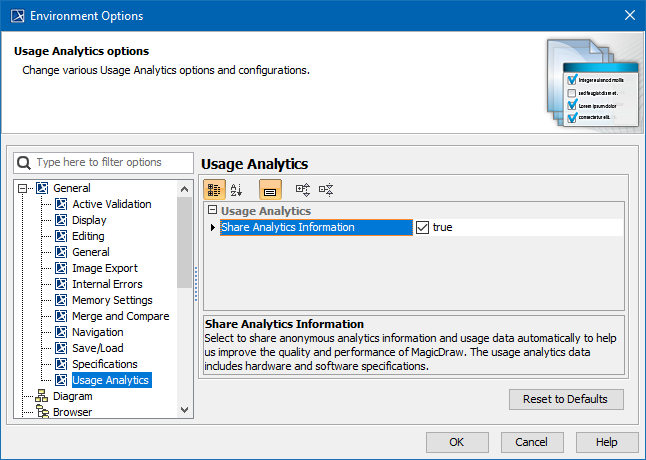
You can disable all automatic and manual usage analytics, prevent internal error submissions, and remove related environment properties by modifying the system properties. To do so, go to <modeling tool installation directory>\bin and open for editing <modeling tool name>.properties file. In the JAVA_ARGS line, add the following property:
-Dno.phone.home=true
This setting:
- Removes environment options related to internal exception submission and usage analytics
- Hides prompts asking to enable usage analytics and exception submission
- Ensures that the stats.nomagic.com submitter is disabled
- Removes the submit button from the internal exception dialog