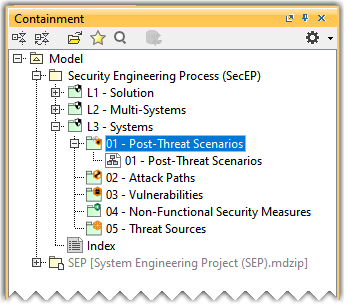
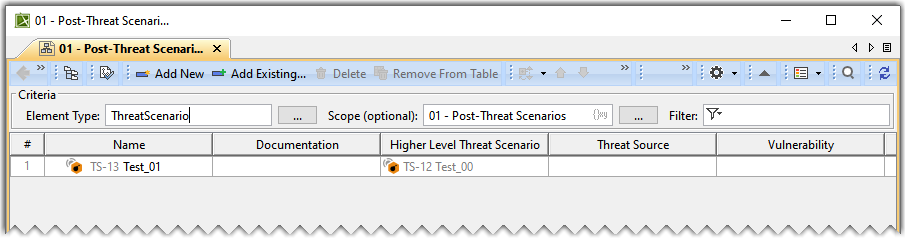
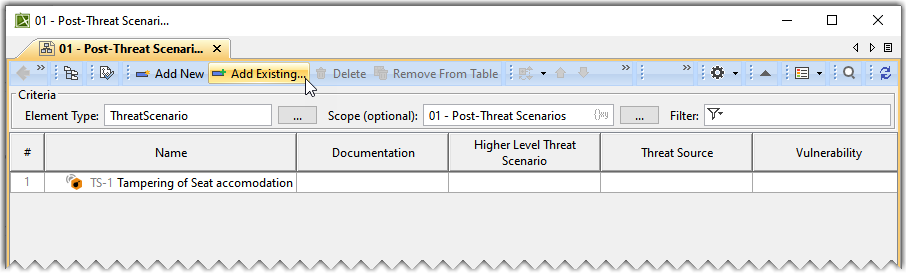
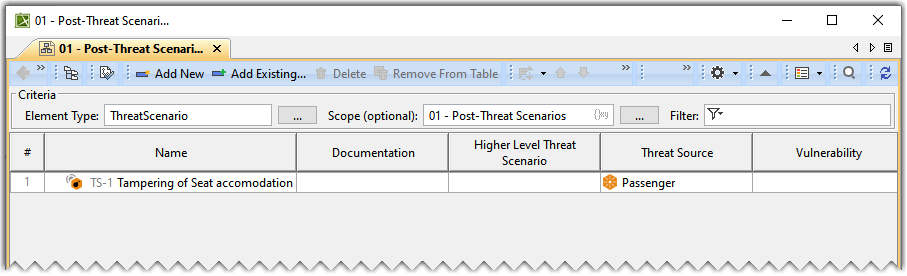
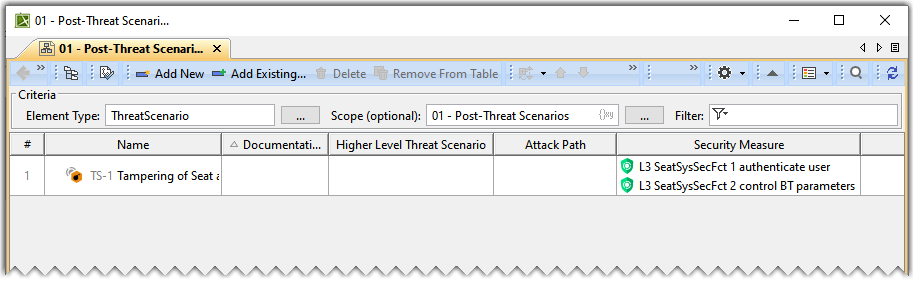
In the Containment tree, expand the 01 - Post-Threat Scenarios package and open the 01 - Post-Threat Scenarios table.
The 01 - Post-Threat Scenarios table displays the Higher Level Threat Scenario you created in the (2026x) Pre Risk Assessment table.
Adding a Threat Scenario
To add a new Threat Scenario to the Post-Threat Scenario Table
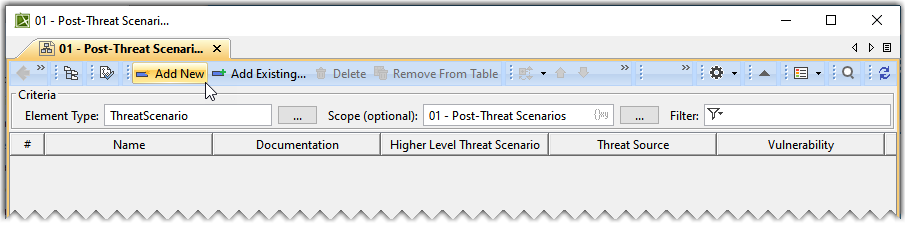
In the Post-Threat Scenariostable, click Add New to add a new Threat Scenario.
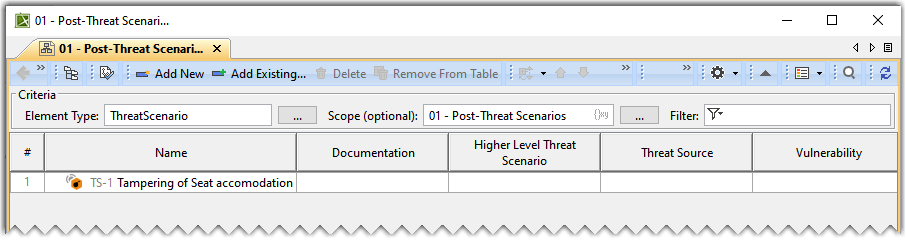
In the newly created Threat Scenario's row and theNamecolumn, double-click the designated cell to name the Threat Scenario.
To add an existing Threat Scenario to the Post-Threat Scenario Table
In the Post-Threat Scenario Table, clickAdd Existing.
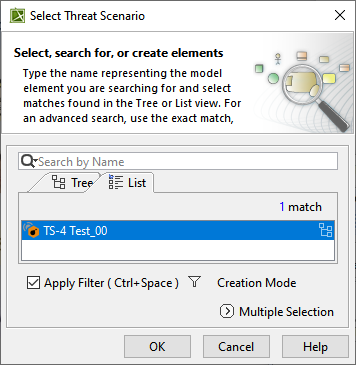
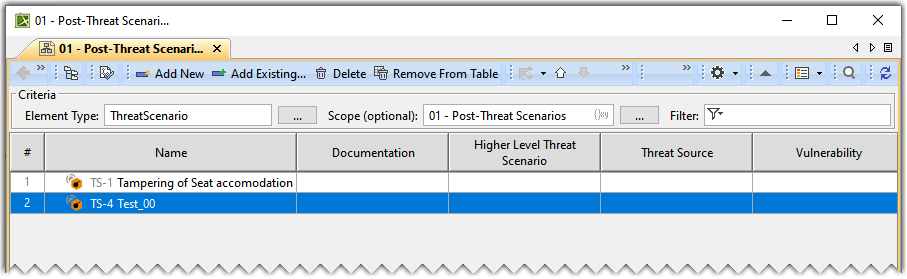
From the Select Threat Scenario dialog, select the required Threat Scenario. A row is added to the Post-Threat Scenario Table, showing the existing Threat Scenario.
In the existing Threat Scenario's row and the Name column, double-click the designated cell to rename the Threat Scenario.
Adding Documentation
To add documentation
In the Threat Scenario's row and the Documentation column, double-click the designated cell and type the required data.
Adding a Threat Source, Vulnerability, and Misuse Case
To add a Threat Source
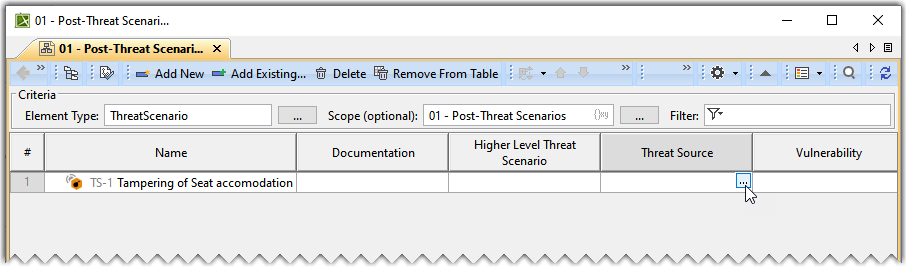
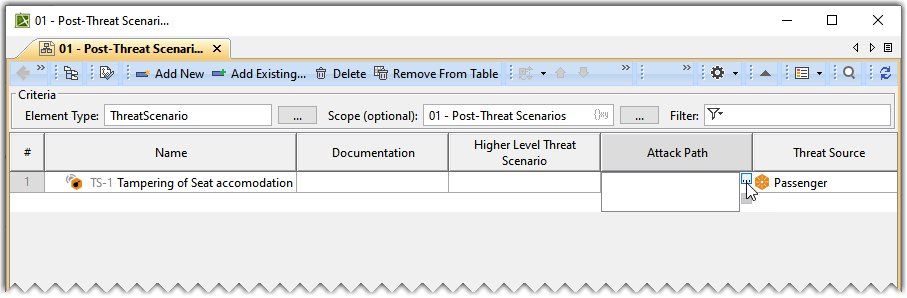
Double-click the designated cell in the Threat Source column and the required Threat Scenario's row and click .
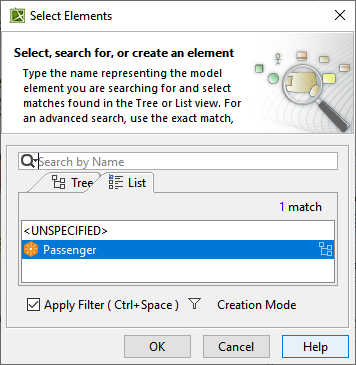
From the Select Elementsdialog, select Threat Source and click OK.
The Threat Source is added to the Post-Threat Scenario Table.
Similarly, add the Vulnerability and Misuse Case to the Post-Threat Scenario Table.
Adding a Security Measure, Attack Path, and Requirement
To add a Security Measure, Attack Path, and Requirement
Double-click the designated cell in the Security Measure column and the required Threat Scenario's row and click .
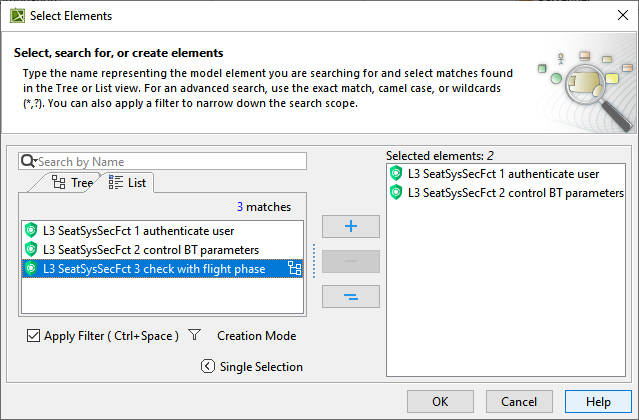
From the Select Elementsdialog, select one or more Security Measure(s) and click OK.
The Security Measure(s) are added to the Post-Threat Scenario Table.
Similarly, add the Attack Path and Requirement to the Post-Threat Scenario Table.
The Aggregated Impact Rating, Effectiveness, Likelihood, and Risk values are calculated automatically based on the DO-326A standards.