When working with SysML v2 features, you should switch the modeling tool's perspective to the System Engineer SysML v2 perspective.
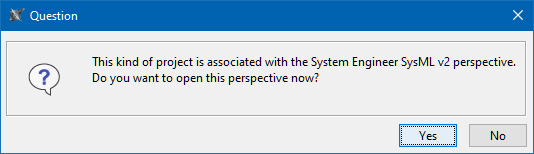
Generally, when you create a new SysML v2 project, a question dialog is prompted, asking you to switch the perspective. Clicking Yes changes the modeling tool's perspective to the System Engineer SysML v2 perspective.
Otherwise, see the procedures below on how to switch the perspective.
Switching to the System Engineer SysML v2 perspective
To switch to the System Engineer SysML v2 perspective
- Do one of the following:
- In the main menu, select Options > Perspectives > Perspectives. In the Select Perspective dialog, select the System Engineer SysML v2 perspective, and click the Apply button.
- In the main toolbar, click the Perspective drop-down box and select the System Engineer SysML v2 perspective.