Setting up Automatic Population of Measurement Sets
You can set up the automatic measurementSet population each time creating the Instance of the associated type.
To set up the automatic Measurement Set population
Create a Measurement Set.
Add measurements for the created Measurement Set.
Apply «DoDAFProperties» stereotype to the created Measurement Set.
Open the Measurement Set Specification window and make sure the Expert properties mode is selected.
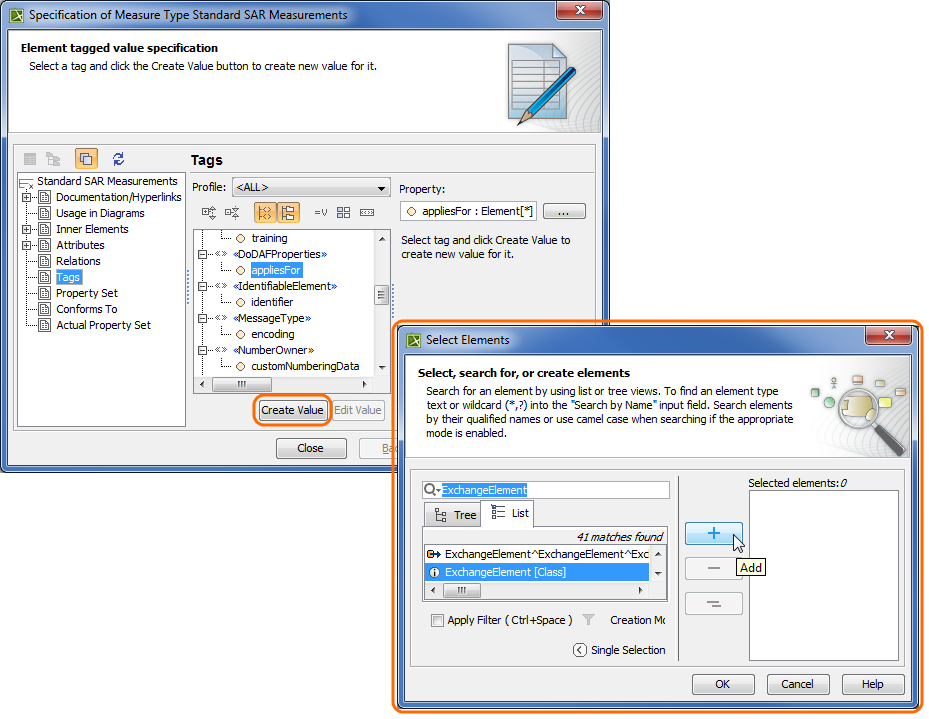
In the Tags property group, select the appliesFor and click the CreateValue button.
Select the Exchange Element stereotype as the appliesFor tag value.
Save and reload the project.
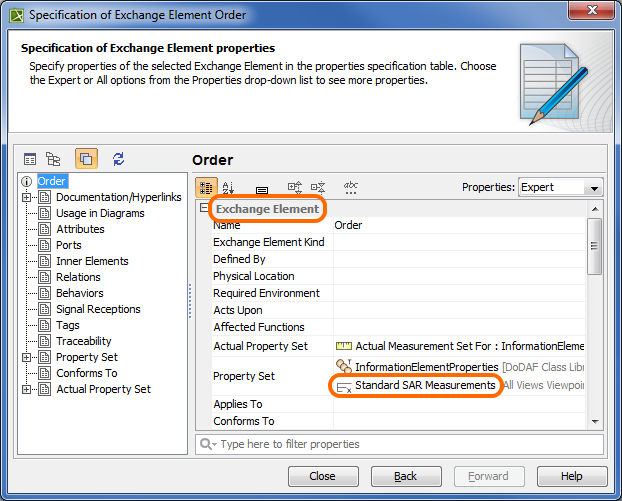
You can see and edit your custom measurements.
If you want to see your measurements in a separate group within Exchange Element specification, add group name to the Measurement Set documentation field.