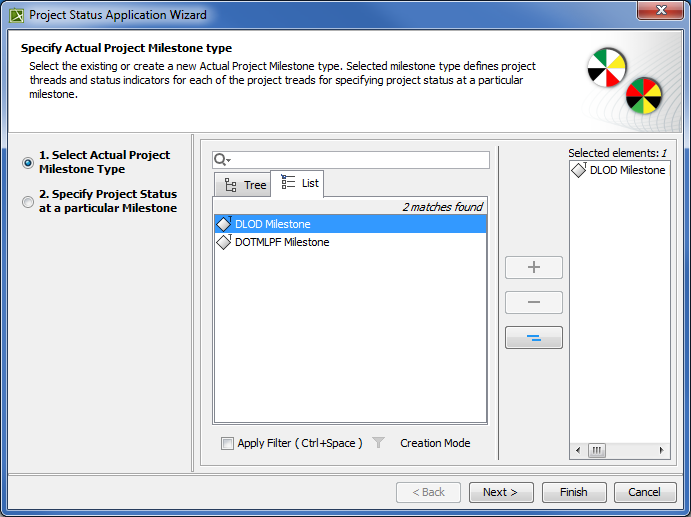
In this step, specify project threads and status indicators of the selected Actual Project Milestone Type.
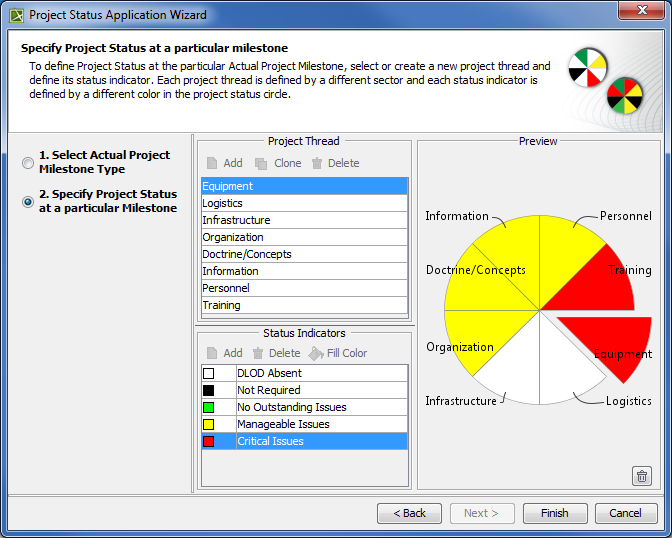
| | Project threads | Status indicators |
|---|
| DLOD Milestone type | - Equipment
- Logistics
- Infrastructure
- Organization
- Doctrine/Concepts
- Information
- Personnel
- Training
| - DLOD Absent
- Not Required
- No Outstanding Issues
- Manageable Issues
- Critical Issues
|
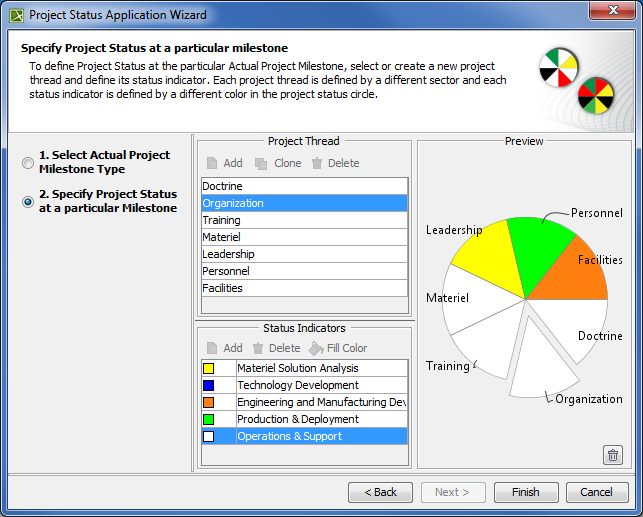
| | Project threads | Status indicators |
|---|
| DOTMLPF Milestone type | - Doctrine
- Organization
- Training
- Materiel
- Leadership
- Personnel
- Facilities
| - Materiel Solution Analysis
- Technology Development
- Engineering and Manufacturing Development
- Production & Deployment
- Operations & Support
|
If you selected your own milestone type, you can create your own projects threads and status indicators.
To create project threads and status indicators
1. In the Project Thread area, click the Add button.
2. Specify the thread name.
3. In the Status Indicator area, click the Add button.
4. Specify the indicator name.
5. Click the Fill Color button.
6. In the Color dialog choose the color and click OK.
To create a second thread with the same status indicators, select a previously created thread and click the Clone button. A new thread with previously defined status indicators is created.
To remove the applied Project Status
1. Click  in the right bottom corner.