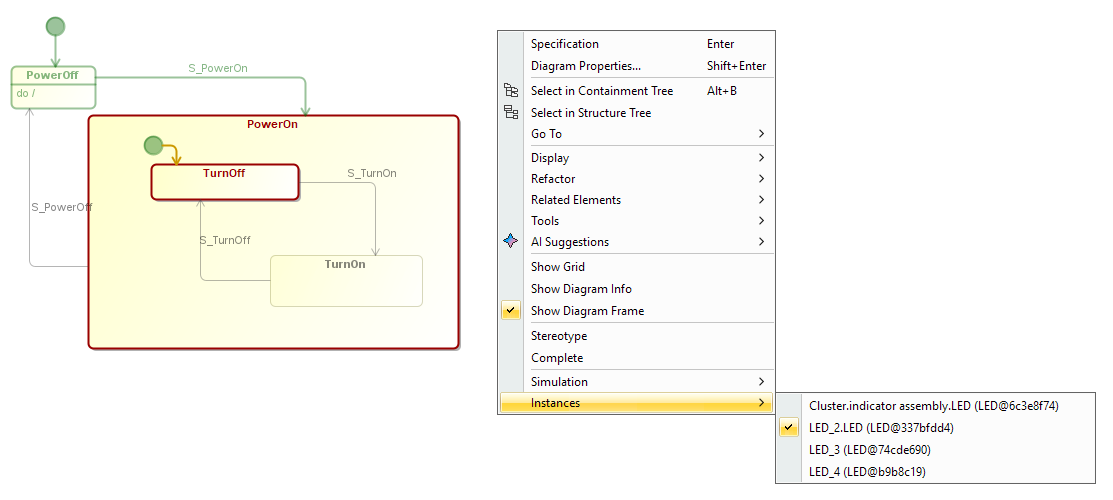
The 2026x Refresh1 version of the plugin allows you to filter animation for one specific object in State Machine, Activity, and Sequence diagrams. If several instances of the same behavior exist, the diagram automatically shows animation only for the first instance annotated in the diagram. This prevents the diagram from merging events from multiple concurrent instances and improves clarity during simulation analysis. You can switch the displayed instance from the contextual menu.
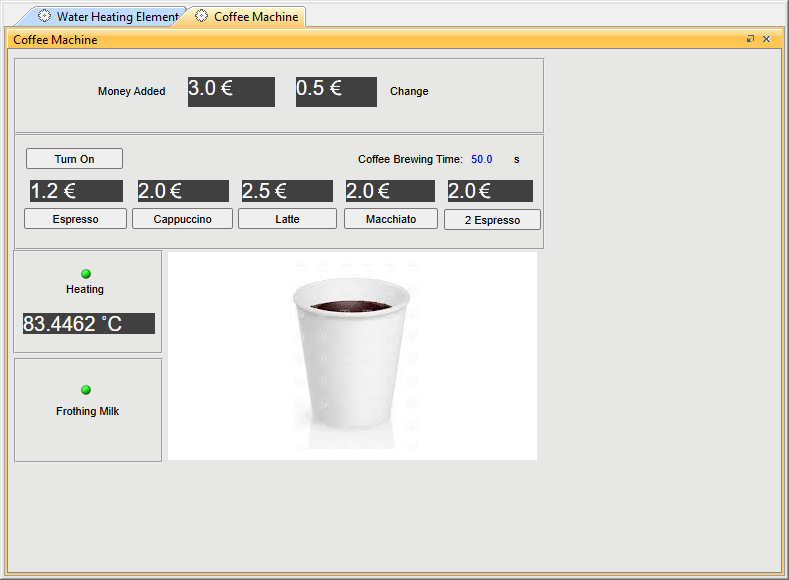
This release introduces the ability to display the unit symbol in UI mockups. In addition, a new Simulation Configuration property — Show Units — allows you to control whether units are displayed in diagrams and UI mockups.
- Time Series and Timeline Charts now support negative time values.
- UI mockups, graphs, and other elements generated during model execution are displayed with an automatic offset, making them easier to rearrange. In addition, the adjusted layout is now preserved between execution runs.