The output will be as follows:
|
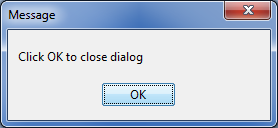 The Message dialog.
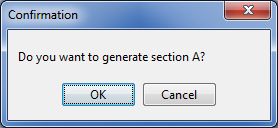 The Confirmation dialog.
#set ($userText = $dialog.input("Enter your name"))
#if ($userText)
Your name is $userText
#else
Please specify your name
#end |
The output will be as follows:
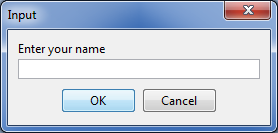 The Input dialog with text.
Input dialog with text and initial value
input(String message, String initialValue) : String. This method will create a message and add an initial value in an Input dialog. It will return the input values as Strings when you click  or ‘null’ when you click
  .
.
The code example is shown below:
#set ($userText = $dialog.input("Enter a date", "Sep28,2016"))
Date is $userText |
The output will be as follows:
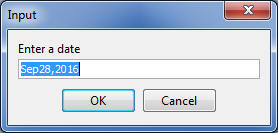 The Input dialog with text and an initial value.
Input dialog with text and initial value Array
input(String message, Collection options) : String. This method will create a message and add initial value arrays in an Input dialog. It will return the input values as Strings when you click or ‘null’ when you click .
The code example is shown below:
#set ($selectedOption = $dialog.input("Choose your favorite fruit", ["Apple", "Orange", "Banana"]))
Your favorite fruit is $selectedOption |
The output will be as follows:
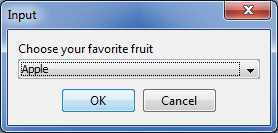 The Input dialog with text and initial value arrays.
‘sort’ Method
Sort and Enable dialog
sort(Collection list) : Collection. This method will create a Sort and Enable dialog from collections. It will return a collection of the newly sorted results when you click or return the original collection when you click .
The code example is shown below:
#foreach ($diagram in $dialog.sort($Diagram)) $diagram.name #end |
The output will be as follows:
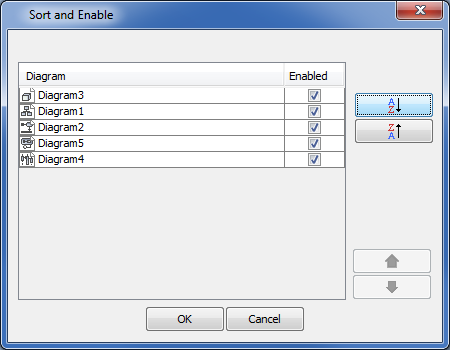 The Sort and Enable dialog.
Sort and Enable dialog with text
sort(String message, Collection list). This method will create a Sort and Enable dialog from text and collections. It will return a collection of the newly sorted results when you click or return the original collection when you click .
The code example is shown below:
#foreach ($diagram in $dialog.sort("Rearrange diagram for presentation report",$Diagram))
$diagram.name
#end |
The output will be as follows:
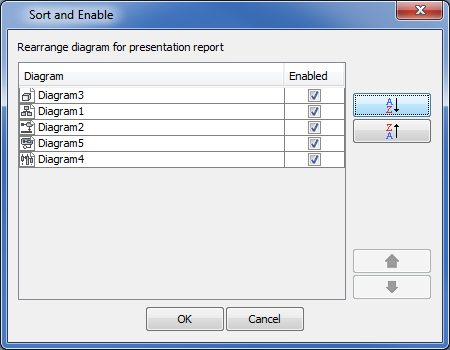 The Sort and Enable dialog with text.
Sort and Enable dialog with a default element selection option
sort(Collection list, Boolean defaultEnabled). This method will create a Sort and Enable dialog from text and collections with a default element selection option. It will return a collection of the newly sorted results when you click or return the original collection when you click .
Sort and Enable dialog with a dialog title
sort(Collection list, String title, defaultEnabled : Boolean). This method will create a Sort and Enable dialog from text and collections with a dialog title. It will return a collection of the newly sorted results when you click or return the original collection when you click .
Sort and Enable dialog with dialog description
sort(String message, Collection list). This method will create a Sort and Enable dialog from text and collections with dialog description. It will return a collection of the newly sorted results when you click or return the original collection when you click .
Sort and Enable dialog with dialog description and a default element selection option
sort(String message, Collection list, Boolean defaultEnabled). This method will create a Sort and Enable dialog from text and collections with dialog description and a default element selection option. It will return a collection of the newly sorted results when you click or return the original collection when you click .
Sort and Enable dialog with dialog description, a dialog title, and a default element selection option
sort(String message, Collection list, String title, Boolean defaultEnabled). This method will create a Sort and Enable dialog from text and collections with dialog description, a dialog title, and a default element selection option. It will return a collection of the newly sorted results when you click or return the original collection when you click .
Sort and Enable dialog with dialog description, a dialog title, a default element selection option, and an option for hiding element icons
sort(String message, Collection list, String title, Boolean defaultEnabled, Boolean showElementIcon). This method will create a Sort and Enable dialog from text and collections with dialog description, a dialog title, a default element selection option, and an option for hiding element icons. It will return a collection of the newly sorted results when you click or return the original collection when you click .
'select' Method
Default Selection dialog
select(Collection list) : Collection. This method will create a Selection dialog from a collection. Items in the collection will be listed in the Selection dialog. You can select the items and click to return a collection of the selected items or null when you click .
The code example is shown below:
#foreach ($class in $dialog.select($Diagram)) $diagram.name #end |
The output will be as follows:
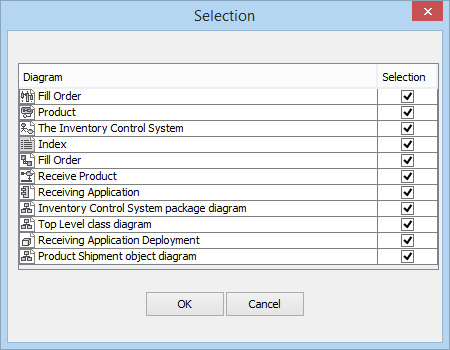 The Selection dialog.
Selection dialog with a title
select(Collection list, String title) : Collection. This method will create a Selection dialog with a specified dialog title. The default Selection dialog title is Selection. You can select the items and click to return a collection of the selected items or null if you click .
The code example is shown below:
#foreach ($diagram in $dialog.select($Diagram, "Selection Dialog")) $diagram.name #end |
The output will be as follows:
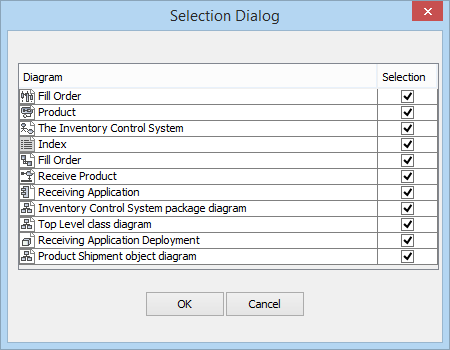 The Selection dialog with title.
Selection dialog without selection
select(Collection list, String title, Boolean defaultSelected) : Collection. This method will create a Selection dialog from the collection without selecting the items in the dialog. You can specify whether all listed items will be selected or not. The default value for defaultSelected is true. Otherwise, all listed items will not be selected. You can select the items and click to return a collection of the selected items or null if you click .
The code example is shown below:
#foreach ($diagram in $dialog.select($Diagram, "Selection unchecked Dialog", false)) $diagram.name #end |
The output will be as follows:
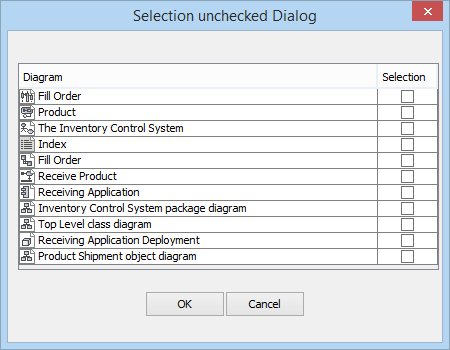 The Selection dialog without selection.
Selection dialog with description text
select(Collection list, String title, Boolean defaultSelected, String dialogText) : Collection. This method will create a Selection dialog from the collection. You can insert description text in the dialog to show the dialog behavior or more details of the listed items. The default value for the dialogText String is null. You can select the items and click to return a collection of the selected items or null if you click .
The code example is shown below:
#foreach ($diagram in $dialog.select($Diagram,“Select all feature”, false, "Please select your required element")) $diagram.name #end |
The output will be as follows:
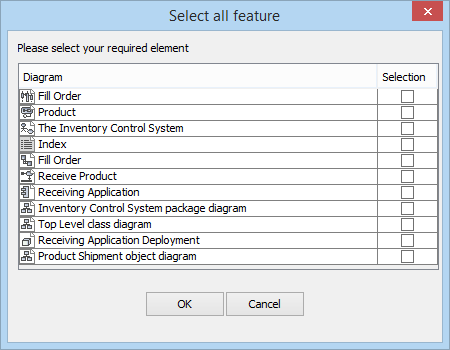 The Selection dialog with text.
Selection dialog with an option for hiding element icons
select(Collection list, String title, Boolean defaultSelected, String dialogText, Boolean showElementIcon). This method will create a Selection dialog from the collection. You can insert description text in the dialog to show the dialog behavior or more details of the listed items. The default value for the dialogText String is null. You can select the items and click to return a collection of the selected items or null if you click . With this method, you can also hide element icons in the dialog.