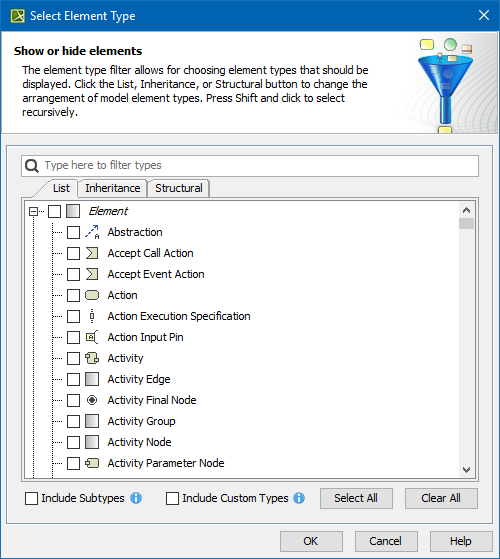
 button next to the Element Type box. The Select Element Type dialog with the element and stereotype list opens.
To add or remove element types
button next to the Element Type box. The Select Element Type dialog with the element and stereotype list opens.To add the element types, select the appropriate check boxes in the list.
Properties corresponding to the selected types will be added to the list of available columns. |
To remove the element types, click to clear the appropriate check boxes in the list.
Properties corresponding to the deselected types will be removed from the list of available columns. |
|
To add an element type, you can also drag a selected element to the Element Type box directly from the Model Browser.
The new value of the Element Type box replaces the old value.
