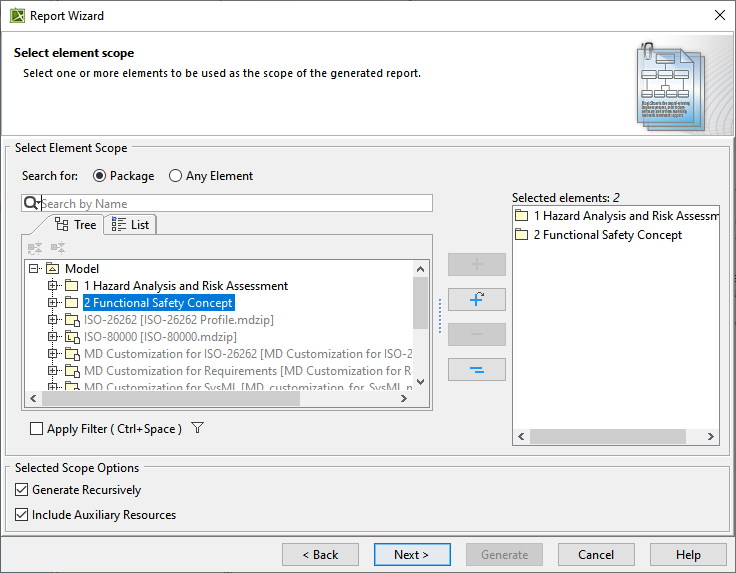
The Report Wizard is capable of generating reports that include data on HARA (Hazard Analysis and Risk Assessment) and the Functional Safety Concept. Once the report is generated, it automatically opens for viewing. The HARA report presents a comprehensive overview of identified potential hazards and their associated risks. It categorizes these hazards and provides an analysis of the risks involved. The Functional Safety Concept report focuses on the derived functional safety requirements. It shows how these requirements are derived from the safety goals and demonstrates their relationships.
To generate a report
In the main menu of your modeling tool, select Tools > Report Wizard. - Do one of the following:
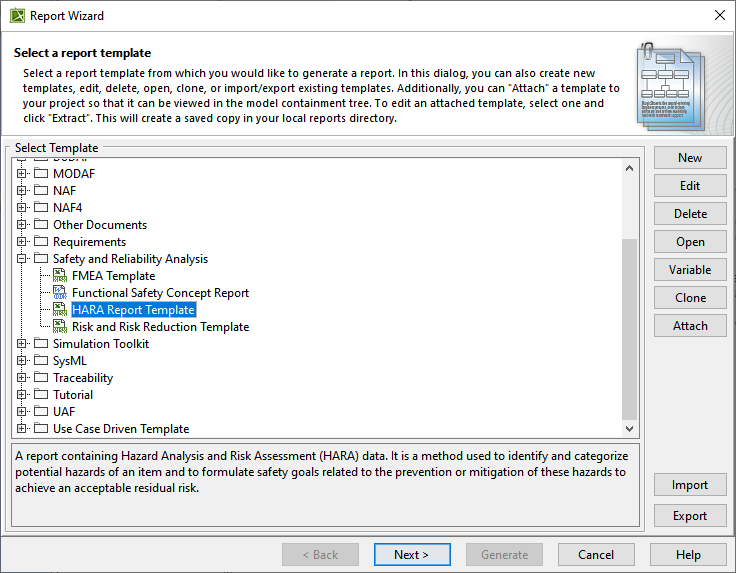
- Select HARA Report Template to create a report containing HARA data and click Next.
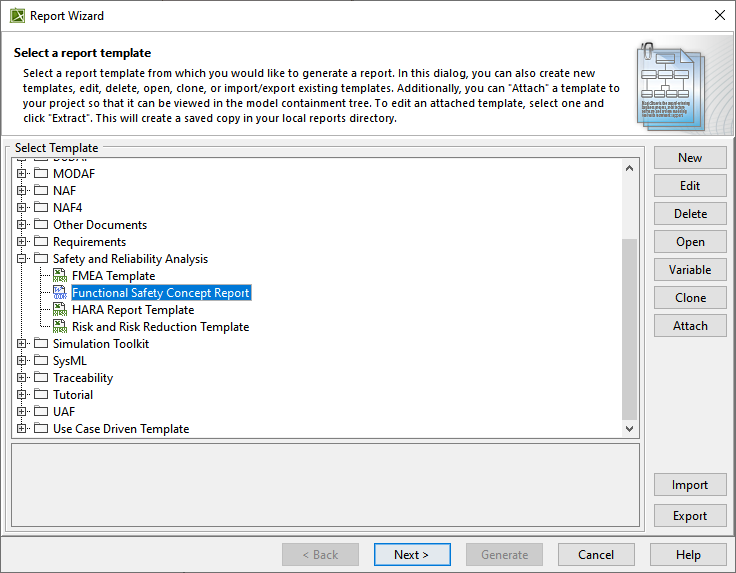
- Select Functional Safety Concept Report to generate a report containing functional safety concept data and click Next.
- To include built-in data in the report, select Built-in and click Next.
Do one of the following: Configure the report file by specifying the report file location and image format. Then Click Generate.
Following are examples of the HARA and Functional Safety Concept reports. 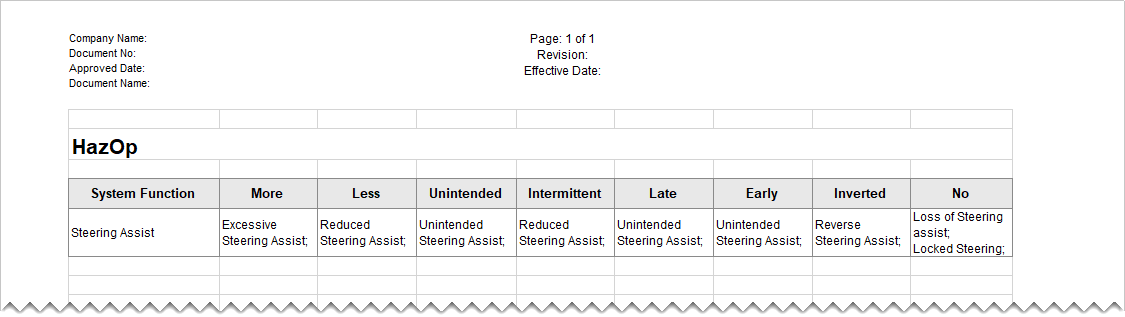
Example of the HARA report.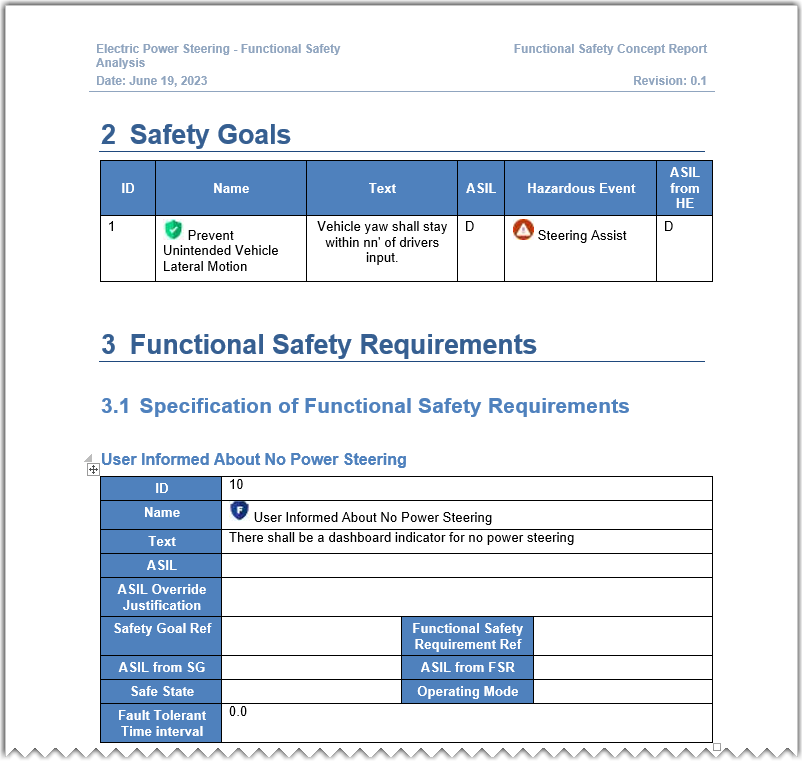
Example of the Functional Safety Concept report.
|