On this page
Once you have successfully migrated your data to a new version of Magic Collaboration Studio, you must update the projects in the database as well. A project that is not updated will open in the read-only mode. When you open a project in a modeling tool, the following notification appears.
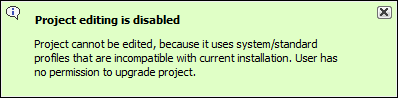
You will not be able to edit a project until you update the project to the latest version.
You can see the same notification in the Notification Window. Therefore, you must update the project before you can edit it.
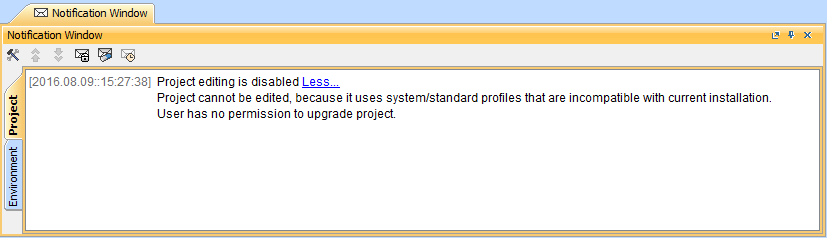 Editing a project that has not been upgraded to the latest version is not allowed.
|
Migrating server projects automatically
To migrate server projects automatically
- Start the modeling tool and log in to the Magic Collaboration Studio server.
- From the Collaborate menu, select Migrate Project to Version X. The dialog Migrate Project to Version X opens.
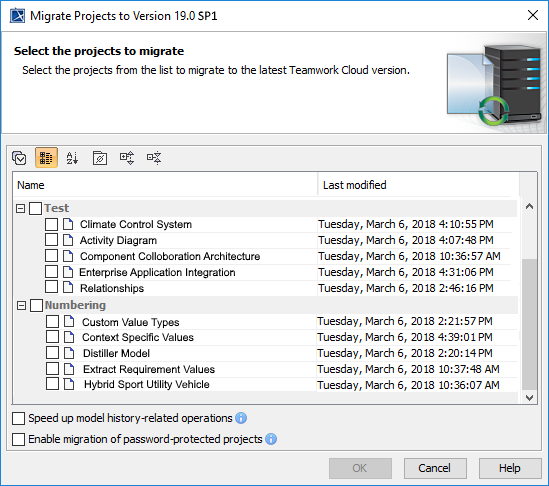
Select projects to migrate. Do one of the following:
On the dialog toolbar, click
 to select all server projects.
Select category (or categories) to migrate with all projects inside it.
Select separate projects from category (or categories).
|
|
After the project migration is completed, you will either get a message about successful project migration or a list of projects that were not migrated. You must migrate those projects manually.
Migrating server projects manually
To migrate server projects manually (for a user role with the Administer Resources permission)
- Start the modeling tool and log in to the Magic Collaboration Studio server.
- On the main menu, click Collaborate > Projects. The Manage projects dialog opens.
- Select a project and click Open. A dialog prompts you to update the System/Standard Profiles in the project to allow project editing.
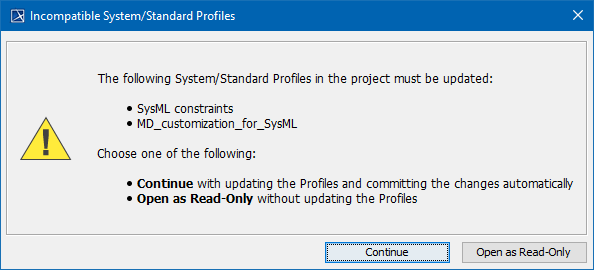
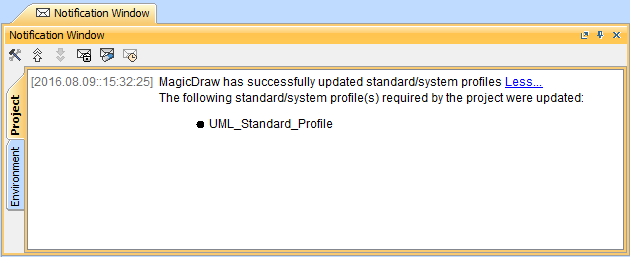
- Click Continue. After the System/Standard Profiles are updated, the modeling tool opens a notification showing that the model was successfully updated.
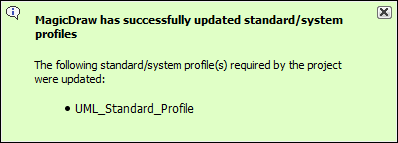
You can also see the same notification in the Notification Window.
You can open the Notification Window by pressing Ctrl + M or clicking Window > Notification Window. |