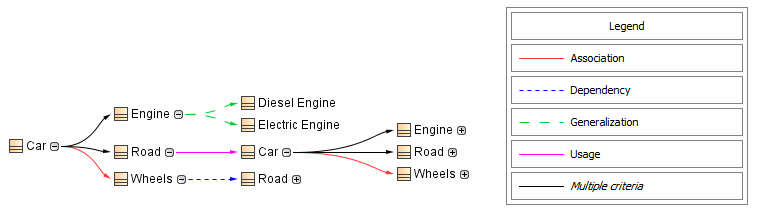
- double-clicking the legend header (Legend).
- clicking the
 button next to Relation Criteria in the Criteria area.
button in the Style column of your selected relation criterion.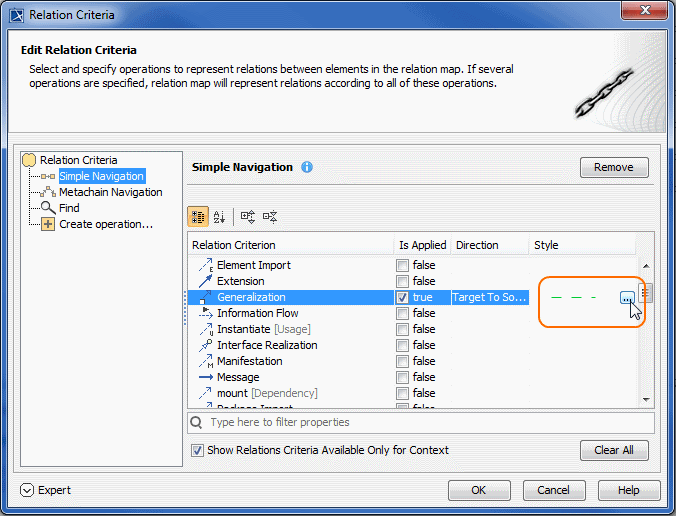
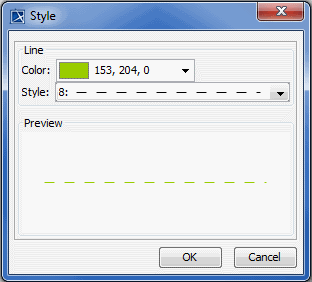
As of version 18.3, you can specify the colors and line styles to be used for representing the relationships in your relation maps. Your selection is displayed in the legend in the top right corner of the diagram pane.
To specify colors and line styles
button next to Relation Criteria in the Criteria area. button in the Style column of your selected relation criterion.
The customized legend helps you identify relation criteria. When working with relation maps, the  button is clicked to select by default. If you don't want to see the legend all the time, simply click the button to cancel the selection.