To create a Smart Package that collects requirements from its owning package
- Create a Smart Package.
- Open its Specification window and click three dots
 next to the Query property to edit it. Query dialog opens. next to the Query property to edit it. Query dialog opens. - On the left side of the dialog, click Simple Navigation.
- Select Owner and set Is Applied to true.
Click the Use as... button and select the Scope of a new Find command.

- Select Find and set the Type to Requirement.
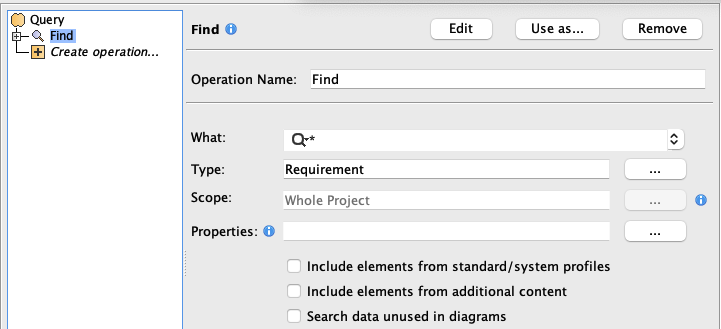 - Click OK.
|