On this page
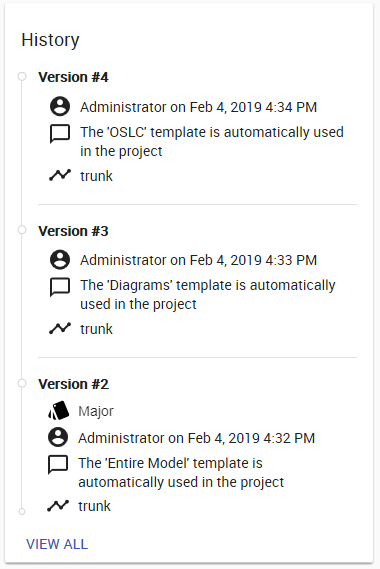
History allows you to track changes made to the project. You can expand History and see all of the particular resource's versions, who committed them, and when. A commit will also include a description of the changes that tells you what has been changed in the resource.
Resource history card.Viewing resource historyTo view resource history
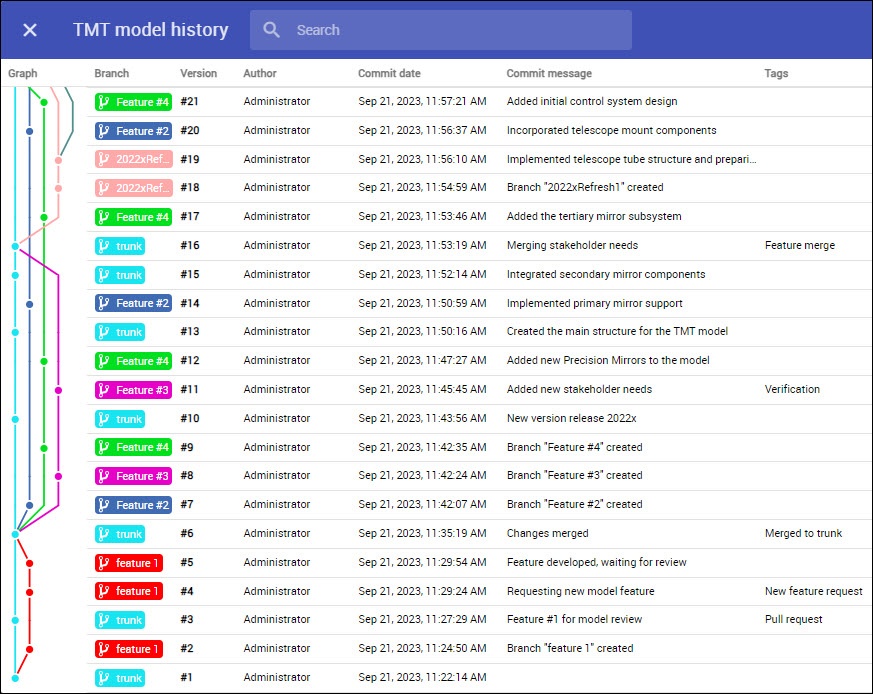
Visualizing branch activityClicking View All at the bottom of the resource history card shows a visual representation of resource branch activity.
Viewing branch activity visual representation.In this view, you can:
|