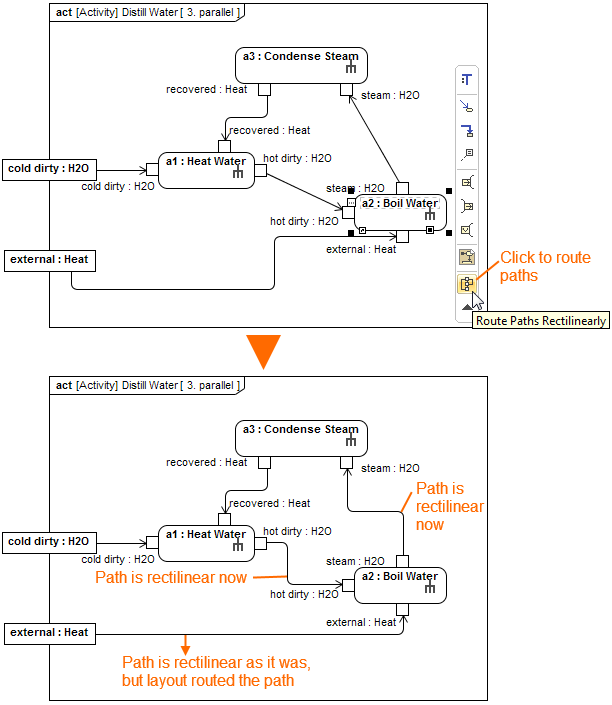
. The selected path is routed rectilinearly.. All the paths that are connected to the shape are routed rectilinearly.
To route paths using the Route Paths Rectilinearly button, do either
. The selected path is routed rectilinearly.. All the paths that are connected to the shape are routed rectilinearly.