The ENOVIA Requirements connector, based on the Cameo DataHub framework, provides the data copy and synchronization functionality between your model and the requirement management application on the 3DEXPERIENCE platform. SAML is also supported for passing authorization credentials to the platform. Furthermore, Cameo DataHub enhances the ENOVIA requirements connection by applying a login with an embedded browser in place of a simple login form. As this is the new authentication technique, this login method allows you to connect to both requirement data sources deployed on Premises and Cloud.
To add an ENOVIA Requirements Data Source
- Log in to the 3DEXPERIENCE platform.
In the main menu, select 3DEXPERIENCE > ENOVIA Requirements.

- In the specification selection dialog, from the list of all specifications available select one specification and click Connect.
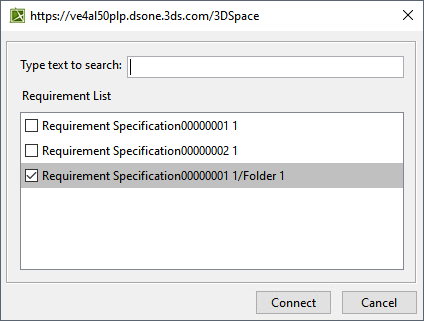
The one specification added is available in the new tab in the Cameo DataHub Explorer panel.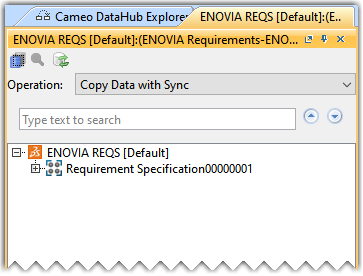
To add more specifications one at a time
- Select the Add single requirement specification option from the ENOVIA data source shortcut menu.
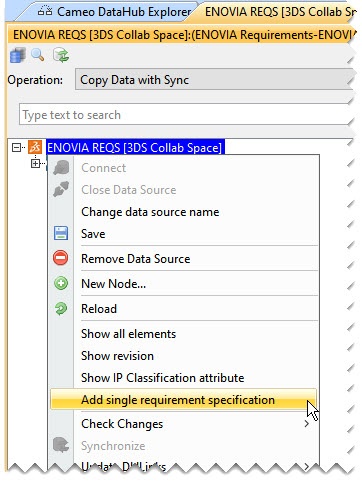
The Specification Folder name is not displayed in the Cameo DataHub Explorer panel; only the name of the Requirement Specification name is displayed. The Specification Folder name is displayed in the specification selection dialog. |
