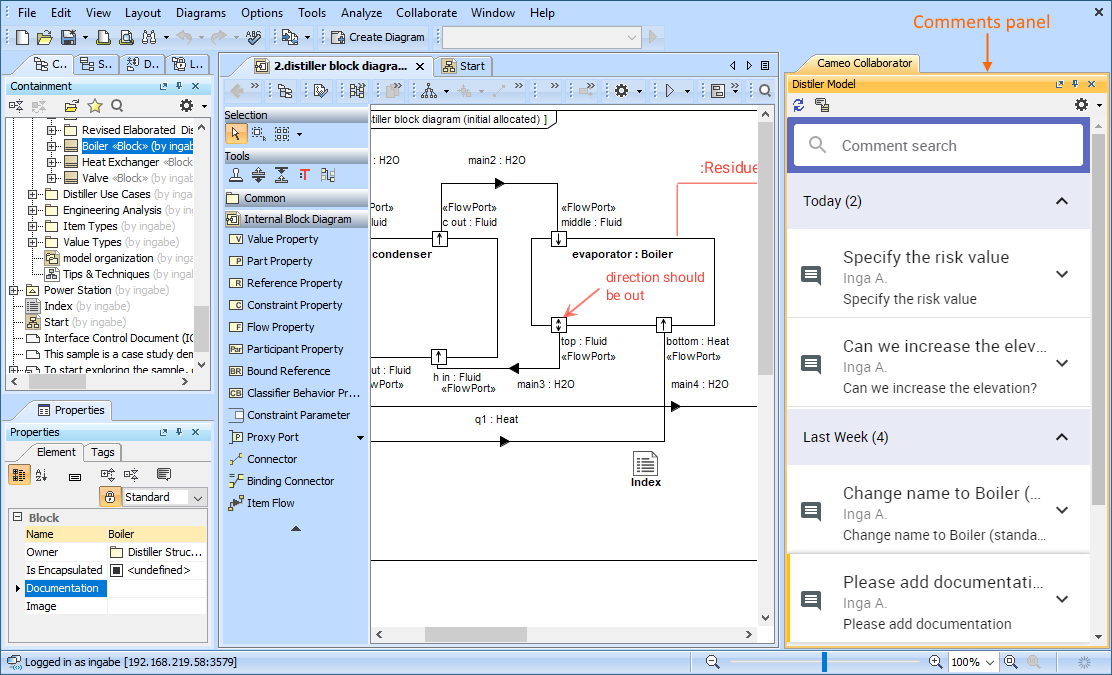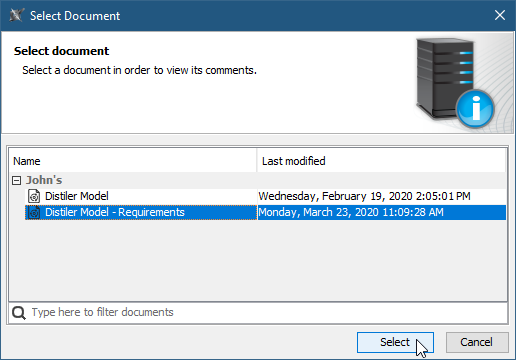
You can view comments in a Cameo Collaborator for Magic Collaboration Studio document and respond to them right from a modeling tool where you work with your model. To do this, you have to open the Cameo Collaborator for Magic Collaboration Studio comments panel in the modeling tool, as described below.
To open the comments panel
The Cameo Collaborator for Magic Collaboration Studio comments panel opens on the right side of the modeling tool window. It displays the comments of the related Cameo Collaborator for Magic Collaboration Studio document, allowing you to work with them.