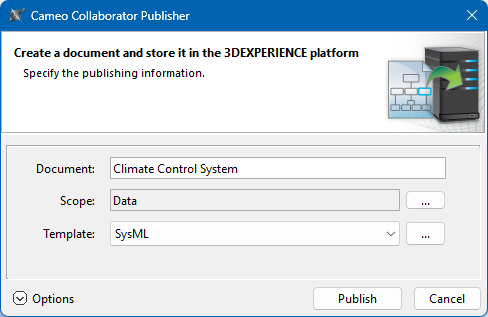
- The Cameo Collaborator Publisher plugin must be installed in your modeling tool.
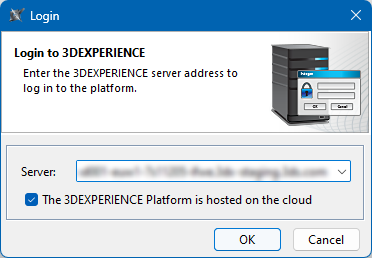
- You can publish Cameo Collaborator documents only on a cloud-hosted 3DEXPERIENCE platform. Make sure you select the relevant check box when logging in.
- If you want to publish a local model, first add it to the 3DEXPERIENCE platform.
 next to the Scope box and select one or several Packages containing the data you want to publish.