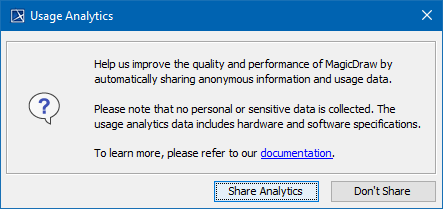
You can help us improve the quality and performance of our products by sharing anonymous information and usage data. The collected information will not be disclosed to third parties. Additionally, no personal or sensitive data will be collected.
You can disable all automatic and manual usage analytics, prevent internal error submissions, and remove related environment properties by modifying the system properties. To do so, go to <modeling tool installation directory>\bin and open for editing <modeling tool name>.properties file. In the JAVA_ARGS line, add the following property: -Dno.phone.home=true This setting:
|
If you agree to share usage analytics information, the following types of information will be collected:
Software specification
Hardware specification
The first time you launch your modeling tool and activate the license, you will be asked whether you want to start sharing usage analytics automatically. Click Share Analytics or Don't Share in the dialog. You can change your decision at any time in the Environment options dialog.
To manage usage analytics sharing
