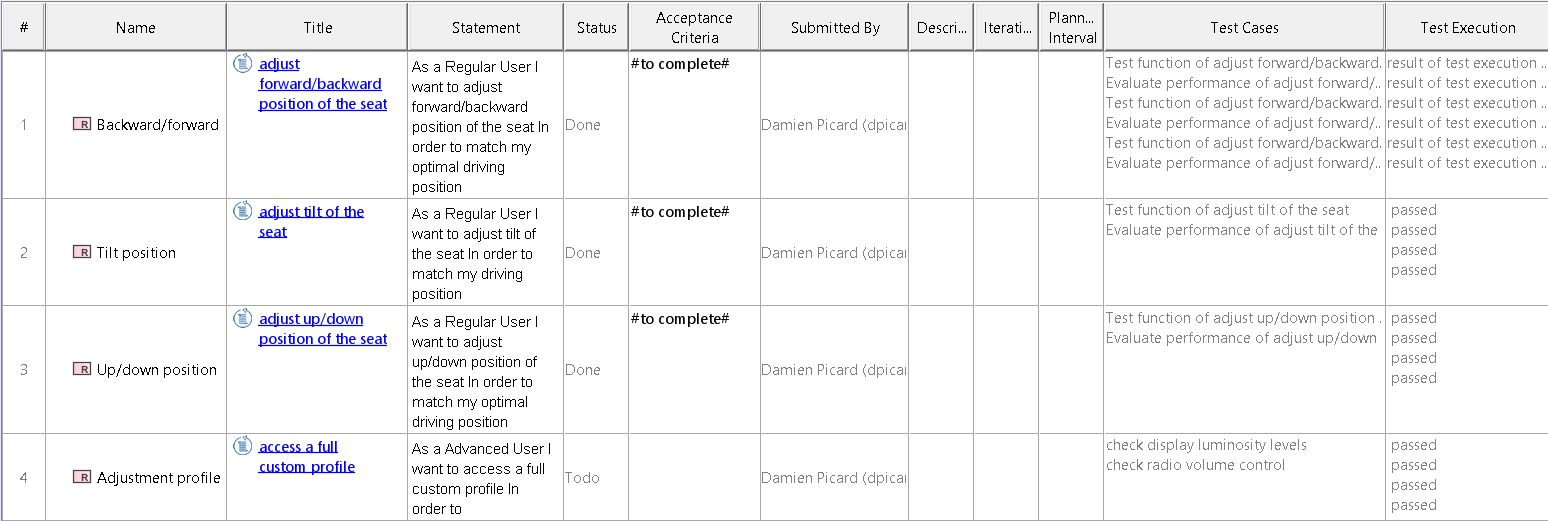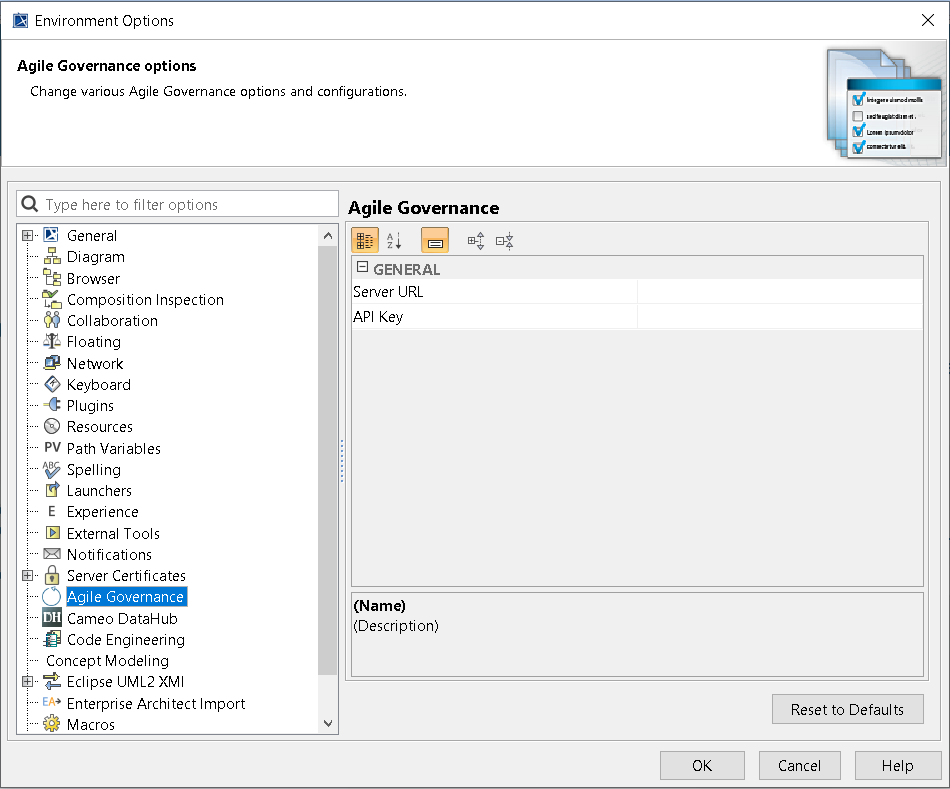
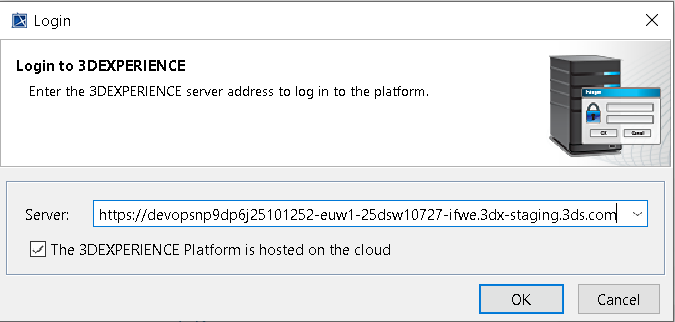
The CATIA Agile Governance plugin allows the generation of the work breakdown structure, initializing the Agile development plans according to a protocol collecting traceability through all phases of software development.
Now, you have access to the contextual menu of the plugin.
The following operations can be realized with single or multiple selections:
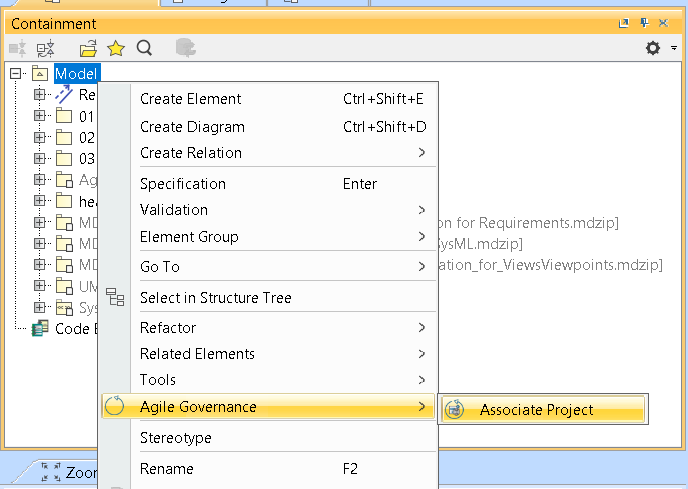
You can now associate the ALM Project with the Model.
To associate the ALM Project with the model
As a result, the «AgileProject» stereotype is applied to the Model.

Attributes are filled with information to link with the Semantic Graph Index.
Once the project is associated, you can associate MBSE elements with ALM items:
A wizard allows you to choose among several items in your lifecycle management system application.
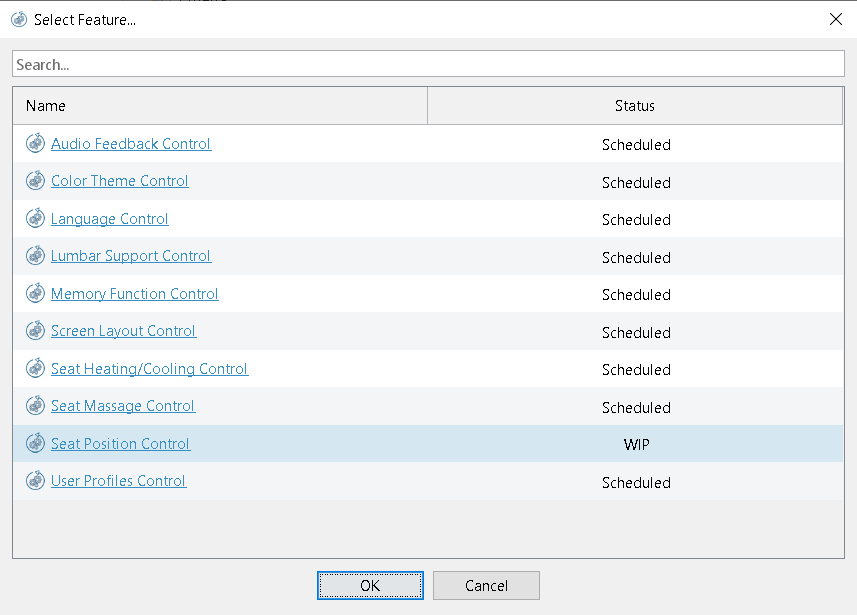
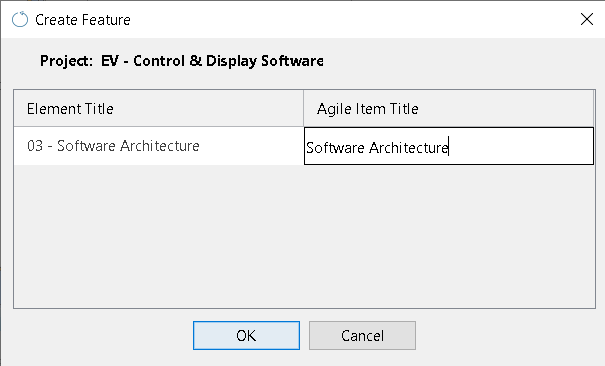
You can also create ALM items directly from the contextual menu and associate them with the MBSE element. Stereotypes appear. On your lifecycle management system application, a new item is created.
A wizard allows you to edit the name of the new item and shows you the context project.
There are two tables to see the association with a tree model and all the stories associated with their ALM.