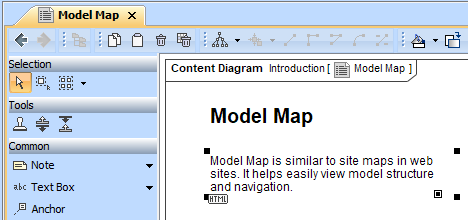
A text box is a box where you can type any text. Text in the text box can be displayed as plain text or HTML text.
You can format the text box symbol properties in the Symbol Properties dialog.
To switch the text of the text box to HTML or Plain text do one of the following
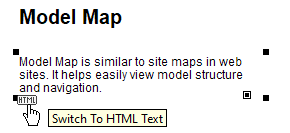
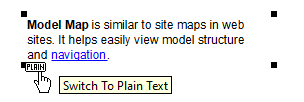
Open the selected text’s shortcut menu and select or click to clear the HTML Text command.
You can edit the HTML text using the HTML editor.
To add a hyperlink to an element on a text box
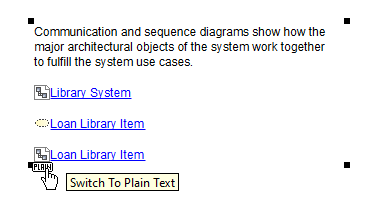
After the hyperlink to the element on the text box is added, the text format in the text box changes to HTML. |
Related pages