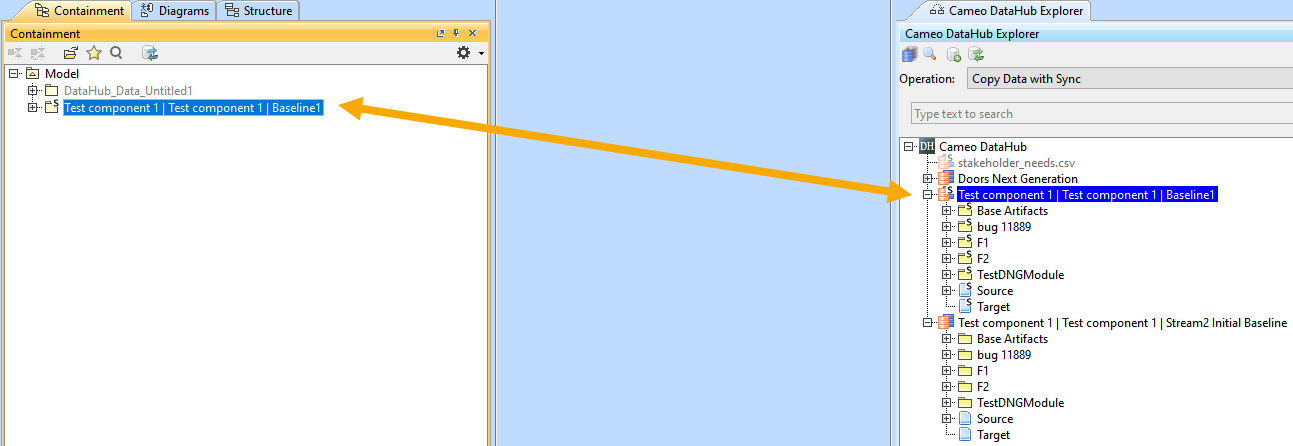
When you have synchronization with any existing Stream or Baseline, you can continue it with a new stream or baseline. DataHub enables you to copy DHLinks from one Stream or Baseline Data Source to another.
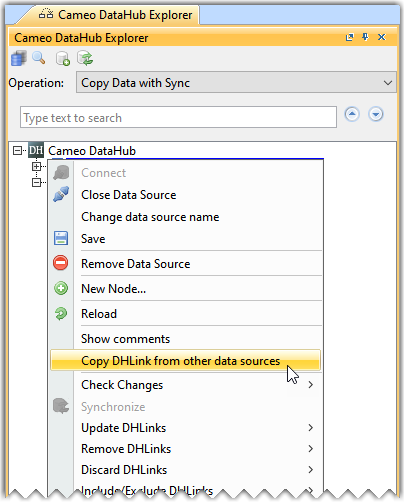
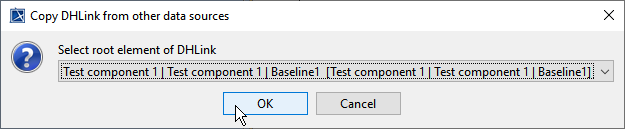
To copy an existing DHLink to another Stream or Baseline Data Source
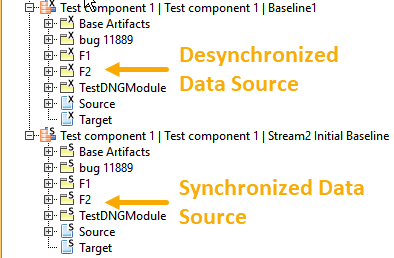
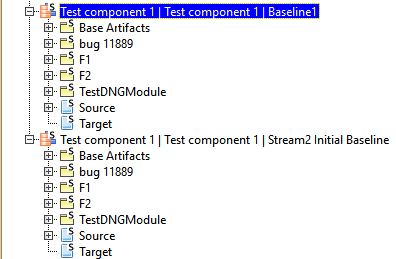
After links are copied from one data source to the other, both data sources will not contain synchronized links. Data sources those links are copied from will be displayed with an x icon on the components, indicating that it is not in synchronization with the model. The other data source the links are copied to will be displayed with an s icon on the components, indicating that it is in synchronization with the model.
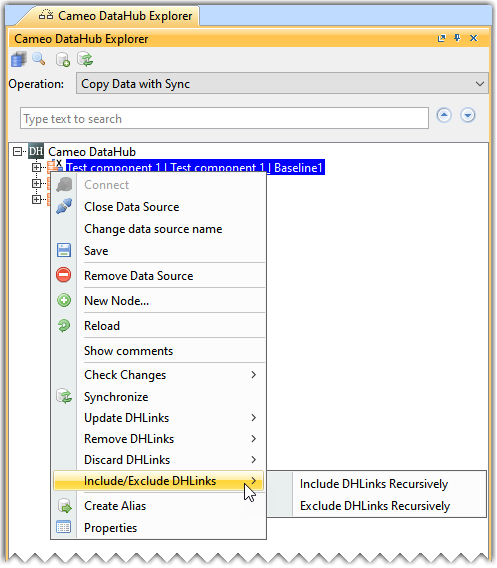
It is possible to have both sources in synchronization by selecting the Include Link Recursively command.
|