Legend:
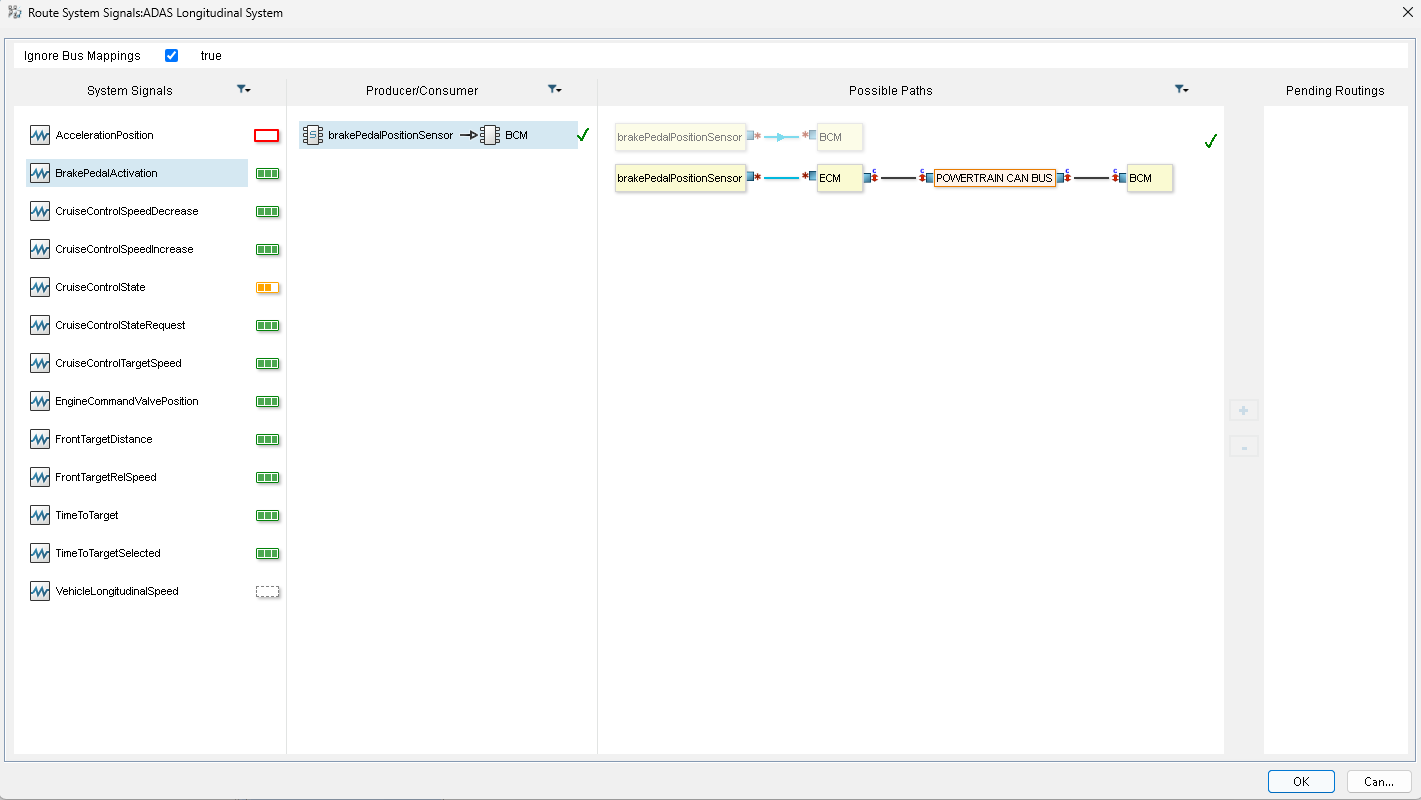
 : This System Signal is not routed.
 : This System Signal is partially routed.
 : This System Signal is routed for each Producer/Consumer pair.
 : This System Signal cannot be routed (no Producer/Consumer pair found).
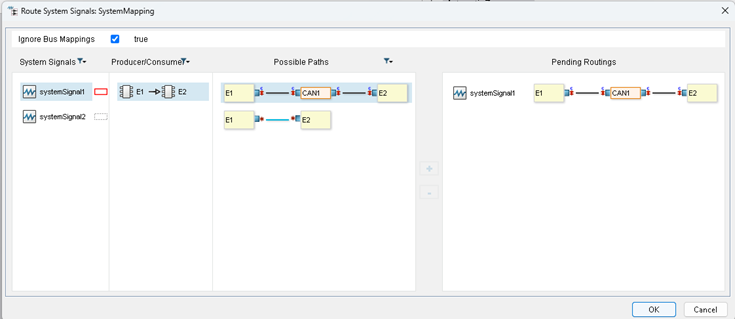
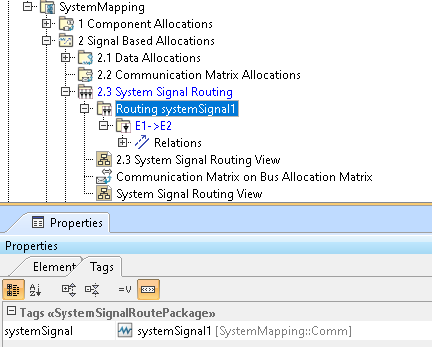
The System Signals Routing Wizard provides help for creating complete System Signal routes on a Topology.
Legend:: This System Signal is not routed.: This System Signal is partially routed.: This System Signal is routed for each Producer/Consumer pair.: This System Signal cannot be routed (no Producer/Consumer pair found).
Green check icons indicate that item flows have already been created for connections. |
To create all the item flows related to the possible paths