On this page
In My account, you can manage your account data - add or remove your name, phone number, email address, and department, you can also change your password.
Opening My account
To open My account
- In the upper right corner click
 button and select My account application.
The user without assigned roles or resources will be automatically redirected to the My account page after signing in. |
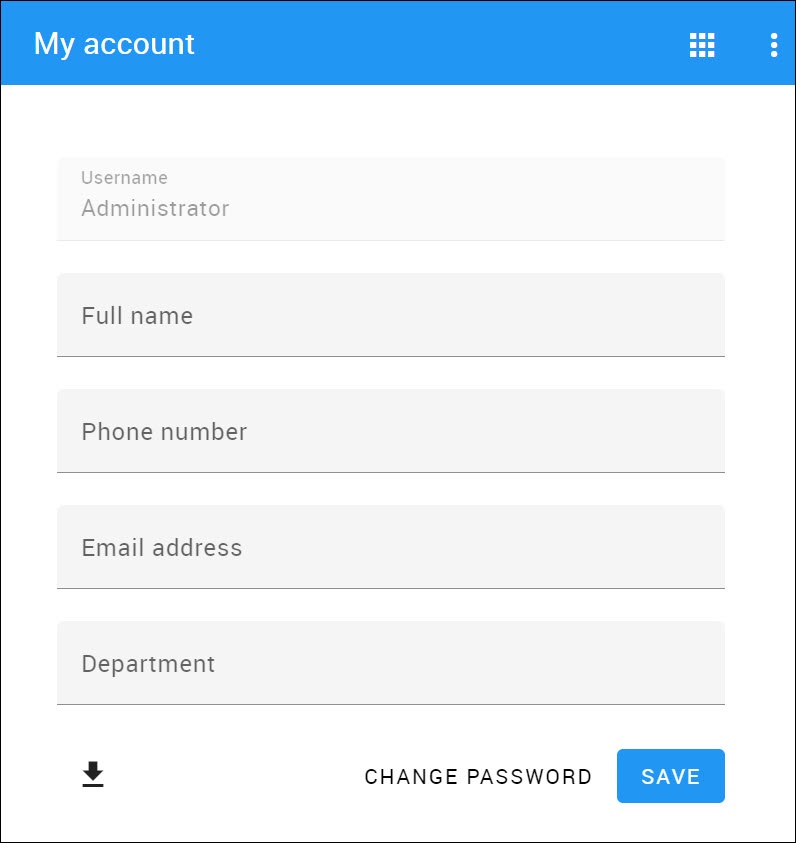 My account view.
Changing password
To change the password
- Open My account application.
- Choose Change Password.
- Enter your old and new passwords, then select Save.
You can also change your password in the User details pane by clicking |
To change the Administrator’s password
- Change the password using My account.
- Update the properties file at <Magic Collaboration Studio install folder>/WebAppPlatform/shared/conf/webappplatform.properties with the new Magic Collaboration Studio Admin password.
- Restart CATIA No Magic WebApp Service.
Generating permissions report
In the My account application, you can generate your permissions report. Click at the bottom left corner to download the report in Excel format.