The Repository Management page allows you to generate a security audit report in a spreadsheet format.
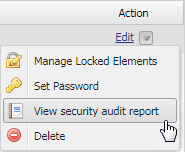 The View security audit report button on the Repository Management page.
The report shows all users who has access or assigned to a selected resource, when the access was granted, who granted the access, and the scope of user assignment, whether it is good for the entire resource (global scope) or just at the package level (resource-specific scope). The report provides visibility for management should they want to review resource access or remove it from some users.
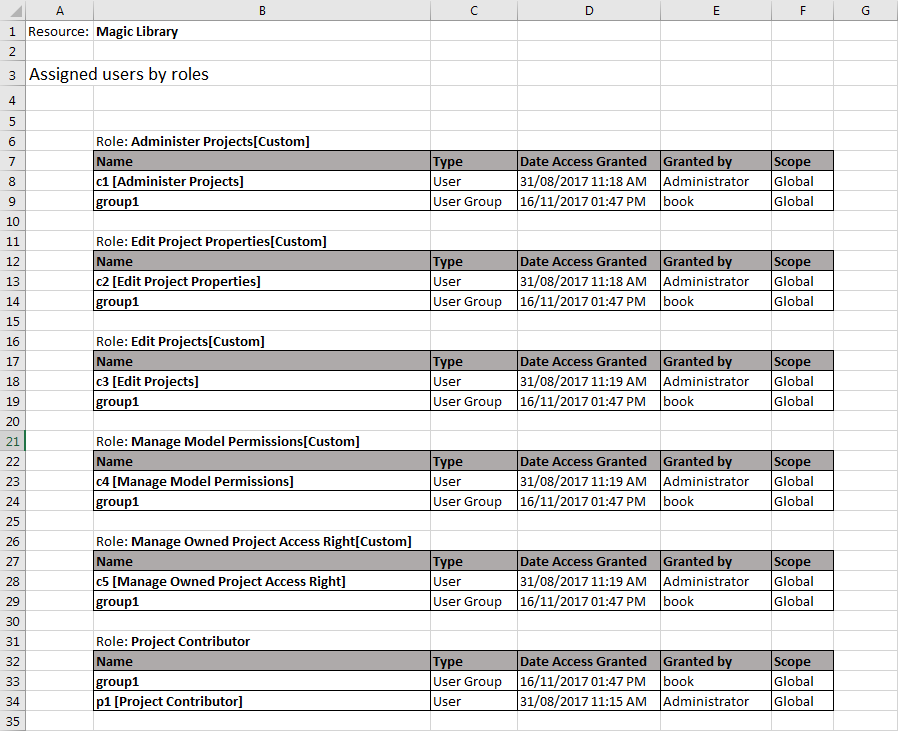
An example of a security audit report containing all assigned users (grouped by role) who have access to a particular resource.
Only a Security Manager or a user with Manage User Permissions permission will be able to view the report.
|
To generate a security audit report
- On the Repository Management page, select a project and click . A security audit report for the selected resource will be generated and stored on your local machine.