- click
 button and select My account button.
 - click
 button and select My account application.
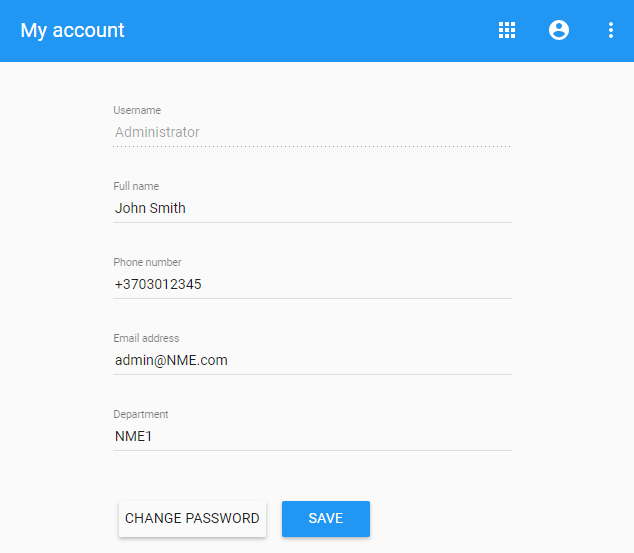
In My account, you can manage your account data - add or remove your name, phone number, email address and department, also you can change your password.
To open My account
In the upper right corner:
button and select My account button. button and select My account application.The user without assigned roles or resources after sign in will be automatically redirected to the My account. |
To change password
A strong password contains a mix of numbers, letters and symbols. It is hard to guess, does not resemble a real word, and is only used for this account. |