Checking for node changes before synchronizing data
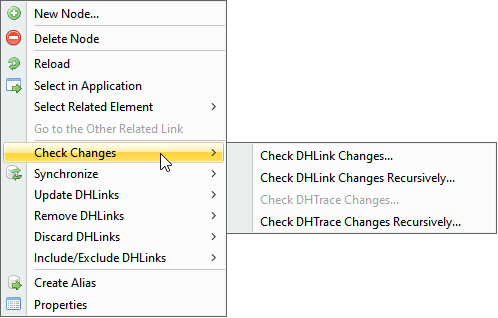
DataHub allows you to check for updates or changes without synchronizing data. You can do this by selecting the Check Changes on the DataHub shortcut menu. You can check updates in either the target node or the target node and its hierarchy.
To check for changes in a target node
Right-click a target node.
Select Check Changes and then select one of the options.
Information
The Check Changes command also checks for changes in the hierarchy of the node that has DHLinks.
To check for changes in a target node and its hierarchy